
Home › Forums › Shoot to Serve Assignments › FEATURED: Autumn Artwork Reference Photo
- This topic has 32 replies, 13 voices, and was last updated 5 years, 11 months ago by
 James Staddon.
-
AuthorPosts
-
November 20, 2020 at 6:34 pm #55319
 Sierra ZimmermanParticipant
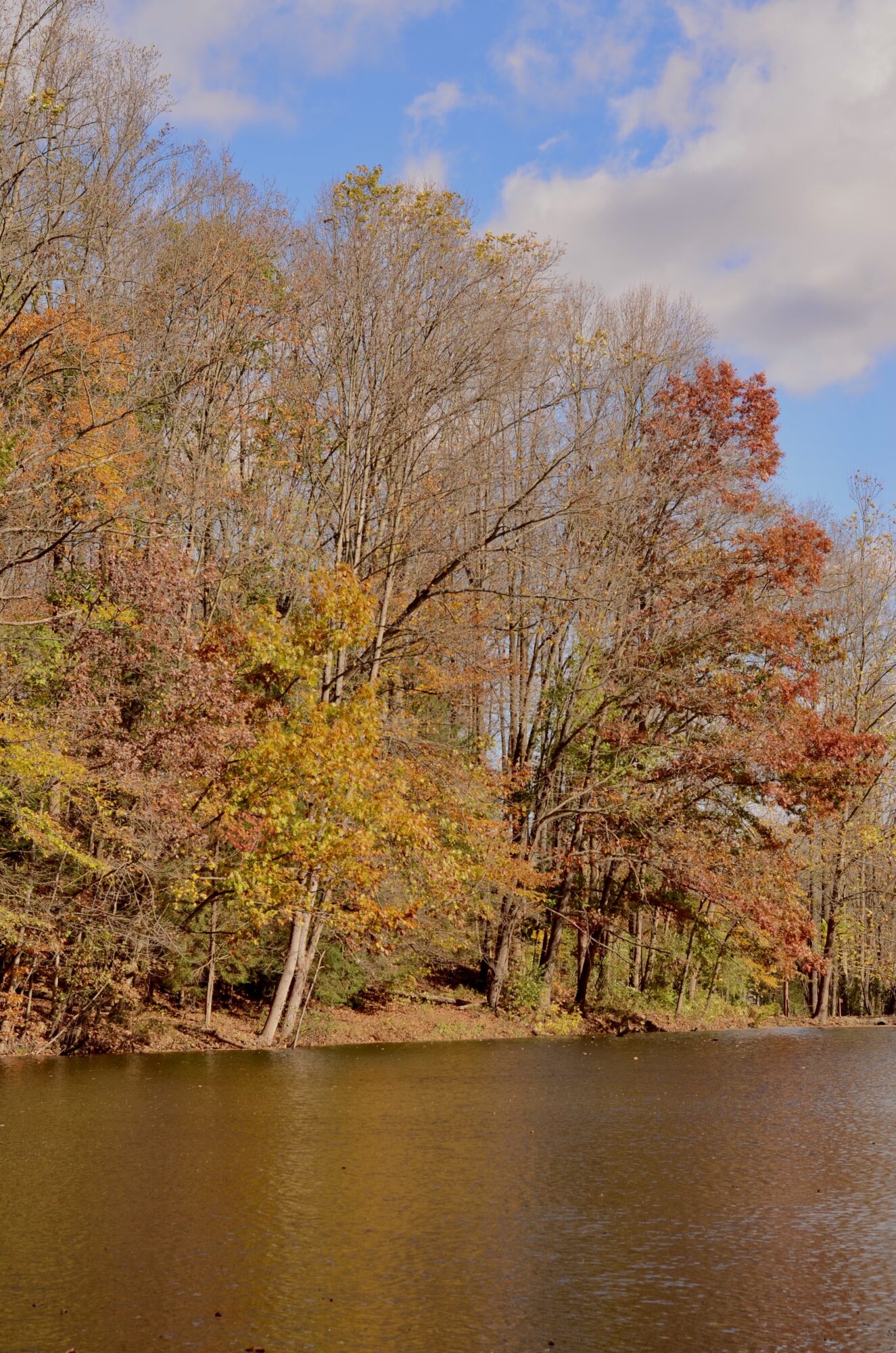
This picture was taken at Niagara falls.
Attachments:
November 20, 2020 at 9:17 pm #55325 Martha LappParticipant
This assignment was rather difficult.. it was hard to try to get creative angles etc, when there were so many trees around…
Attachments:
November 20, 2020 at 9:22 pm #55330Martha LappParticipantA few more…
Attachments:
November 20, 2020 at 9:28 pm #55335Martha LappParticipantLast one..🙃
Attachments:
November 20, 2020 at 11:26 pm #55338 Charmain AikemaParticipant
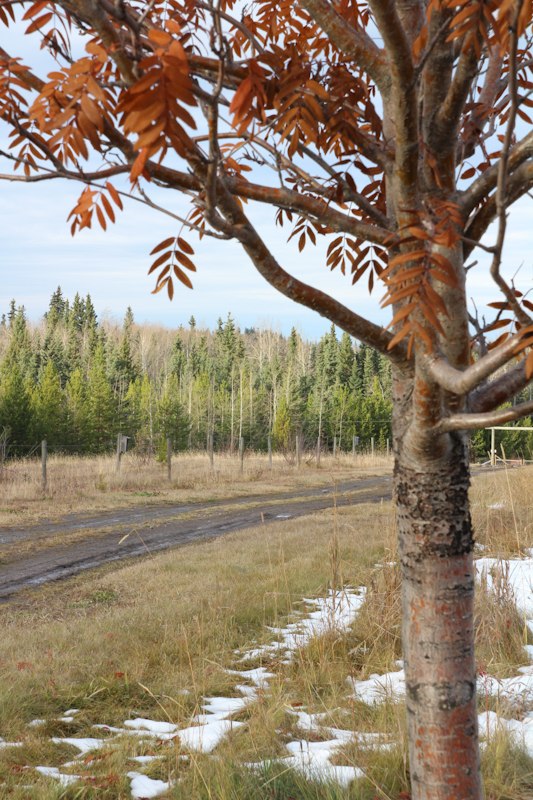
Here up North in Canada it is winter already, but when we received the assignment last month I felt that I should try to make the best of what was available to me and not be lazy and skip the assignment… so I took a number of photos of the last colorful tree with a dirt driveway and a wooden fence in the background… I realize that this is not a winning photo, but I figured if Melissa likes the composition perhaps she can add the colour! 🙂
Attachments:
November 21, 2020 at 2:15 pm #55366 Lyd-BParticipant
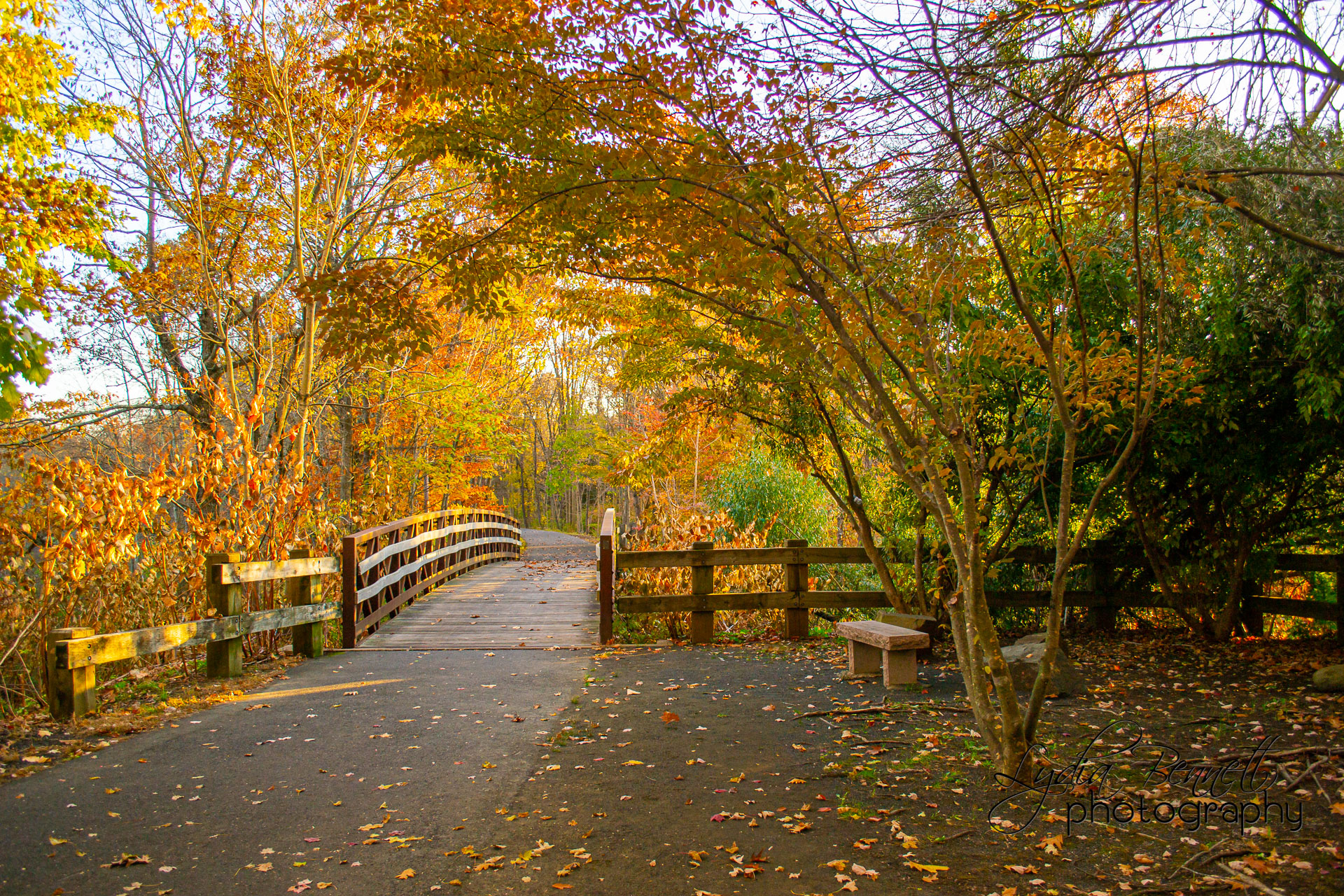
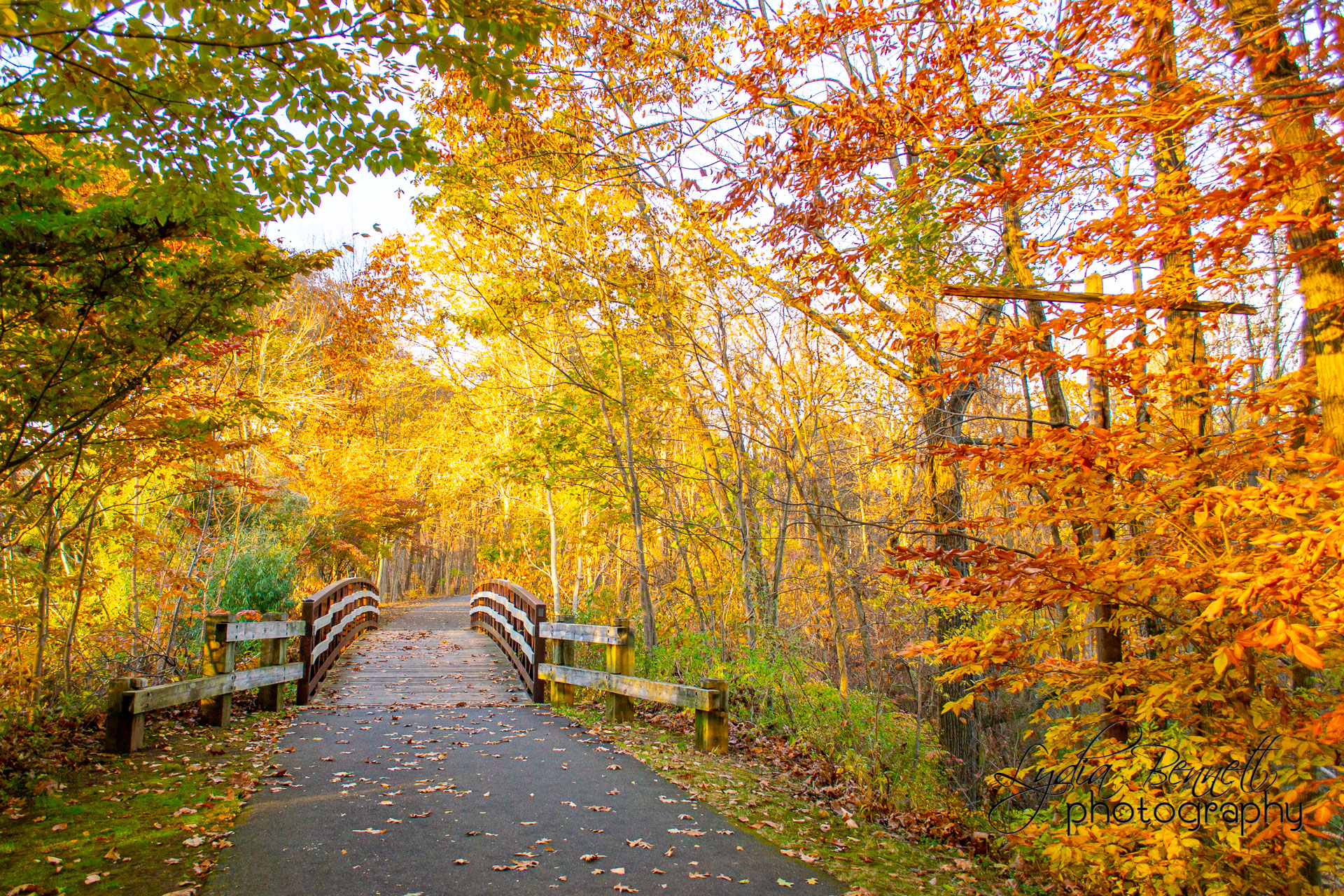
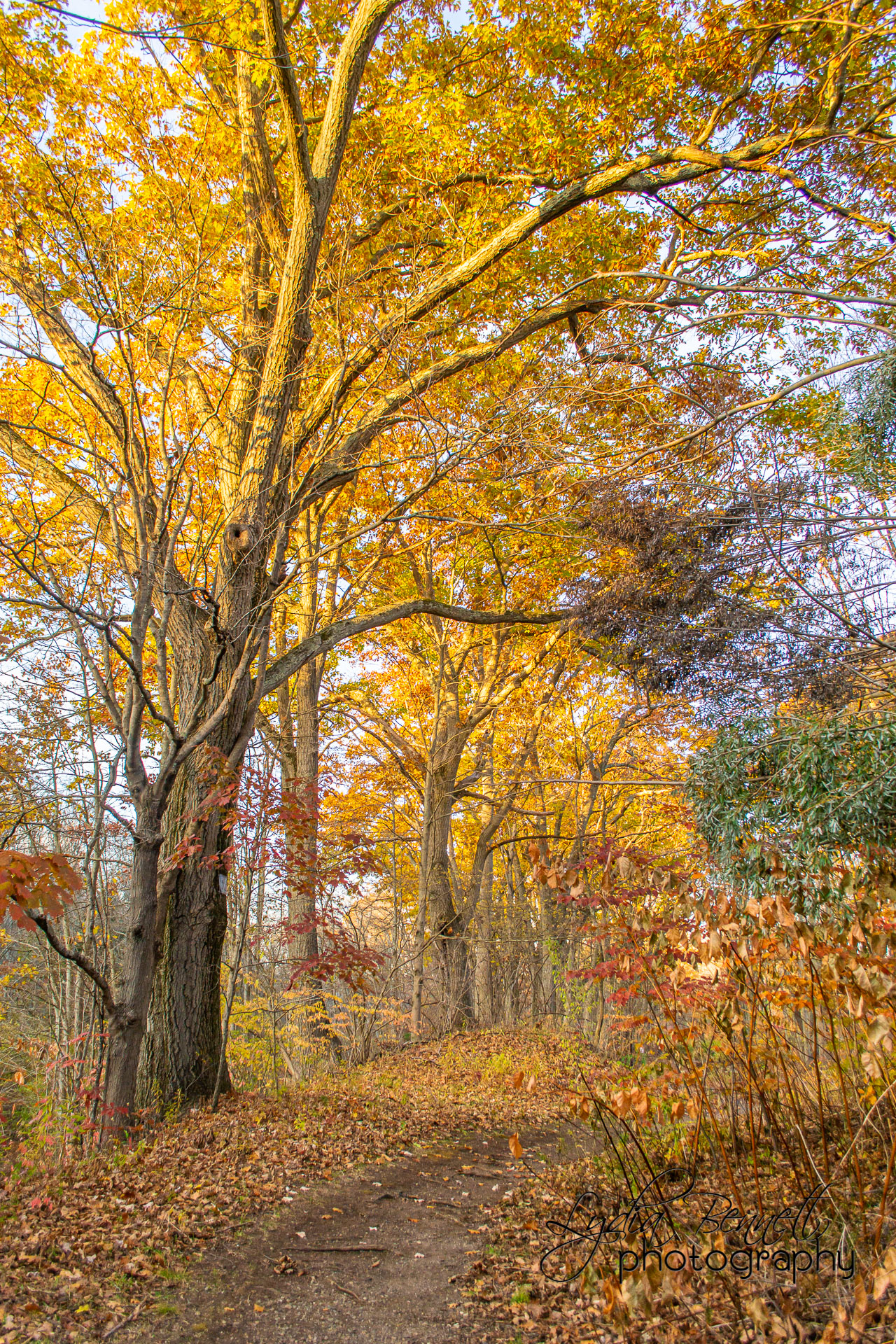
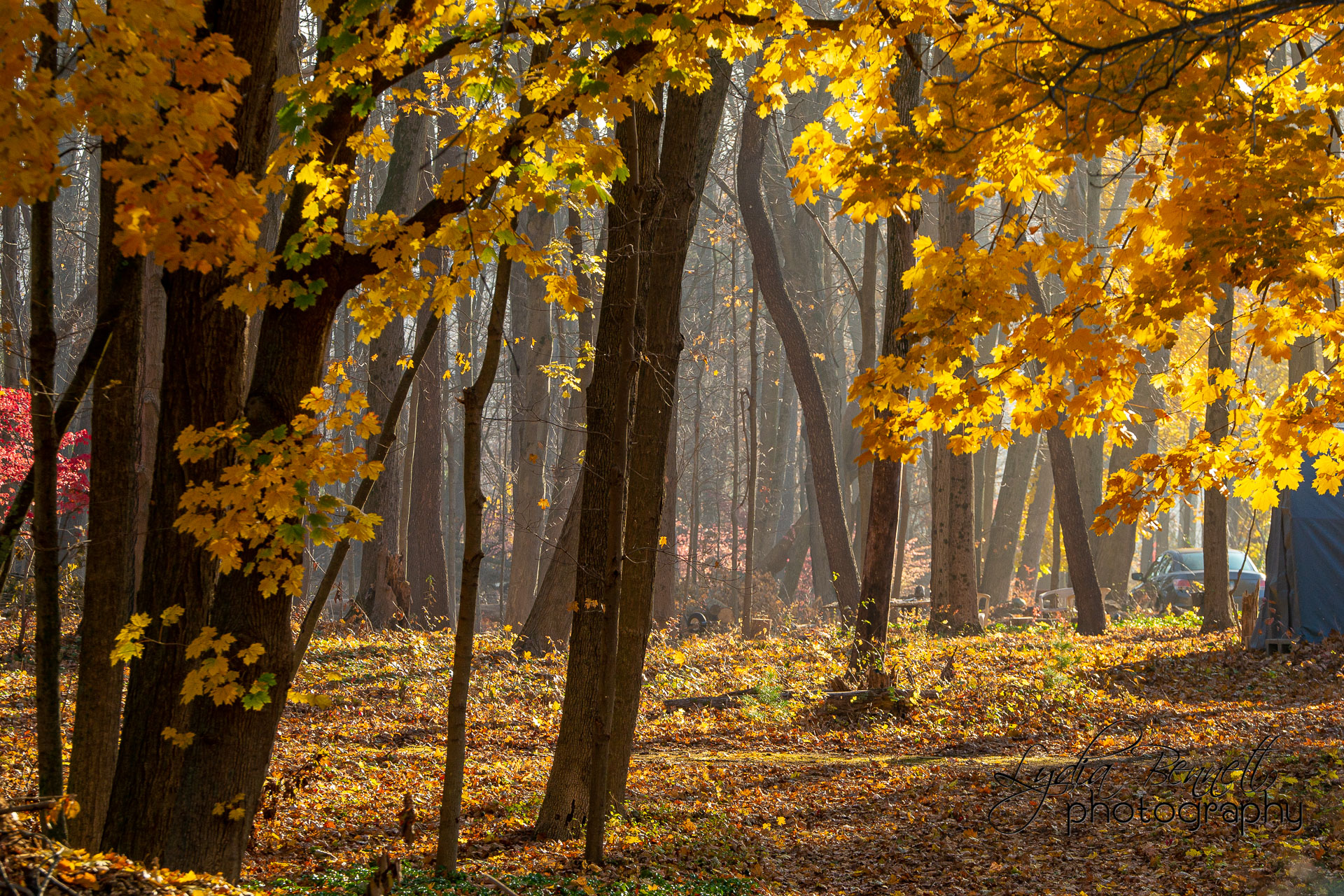
Here are my submissions! I did not take time to edit out people, cars or telephone wires (like others have said) since these are reference photos.
I shot the first set of photos while out on a walk with some of my siblings. The bridge is on a trail that goes behind our church, and I had photographed it once in [post-snow] winter when everything was brown, so I was pretty sure it would look nice in fall. Thankfully there was still a decent amount of color left in that particular area. The sun was going down fast, but light was still on the treetops so it provided some nice sunshine/shadows contrast.
The next set I took after doing a portrait shoot at a local park…I had a few extra minutes so I went around and found some areas where the trees were casting picturesque shadows, and I could shoot some sunbursts!
And the final two photos were just a random morning that was a little foggy. The autumn colors were almost all gone by that time, but our neighbor’s woods across the street furnished just enough color, and the sun was coming through the remnants of fog that I grabbed the camera and took some shots.
Attachments:
November 21, 2020 at 2:36 pm #55375Lyd-BParticipantI’m not sure if the final two photos didn’t upload or if they’re just being slow, but here they are again.
Attachments:
November 21, 2020 at 7:46 pm #55408Suzanne Shera
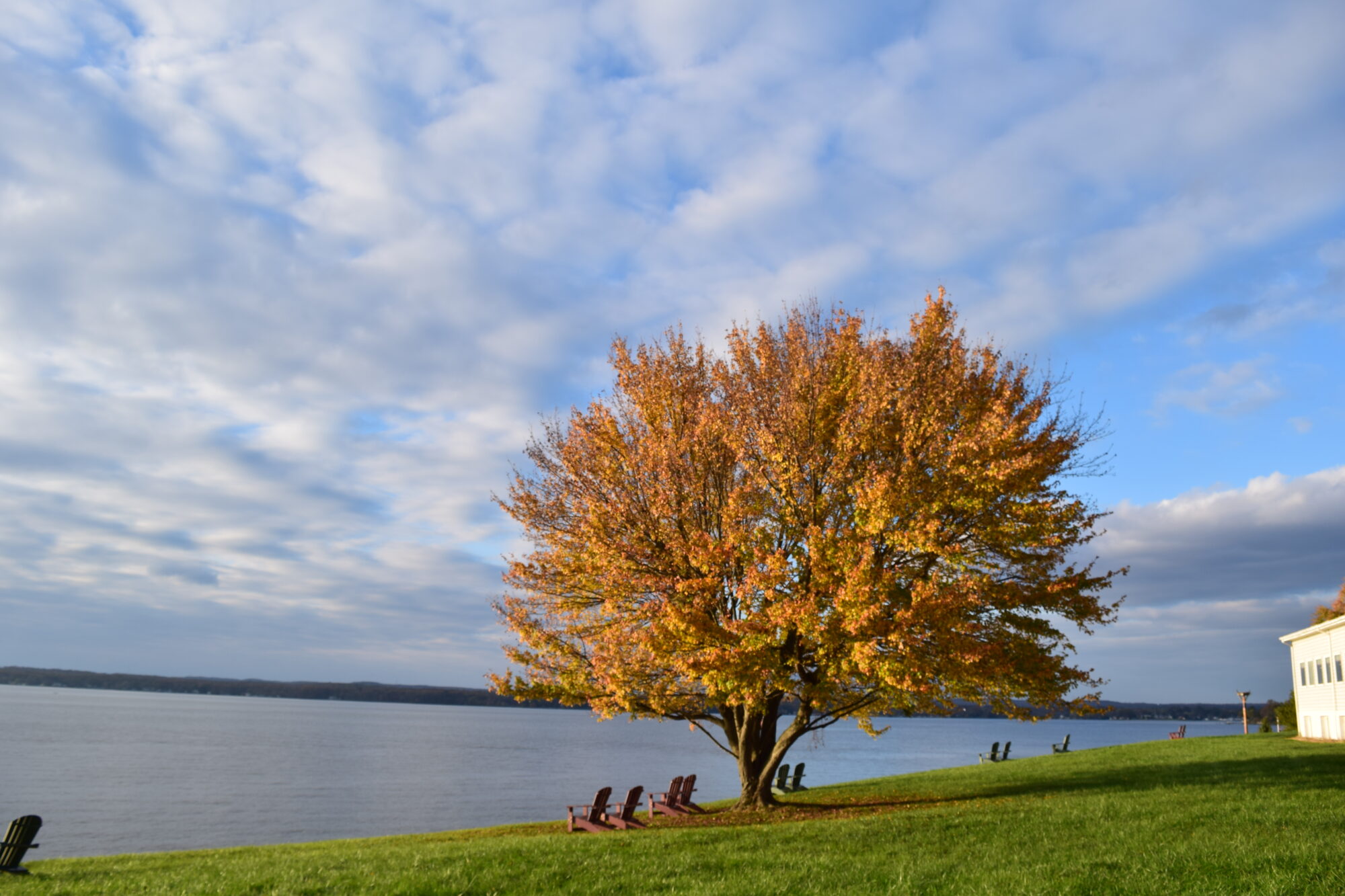
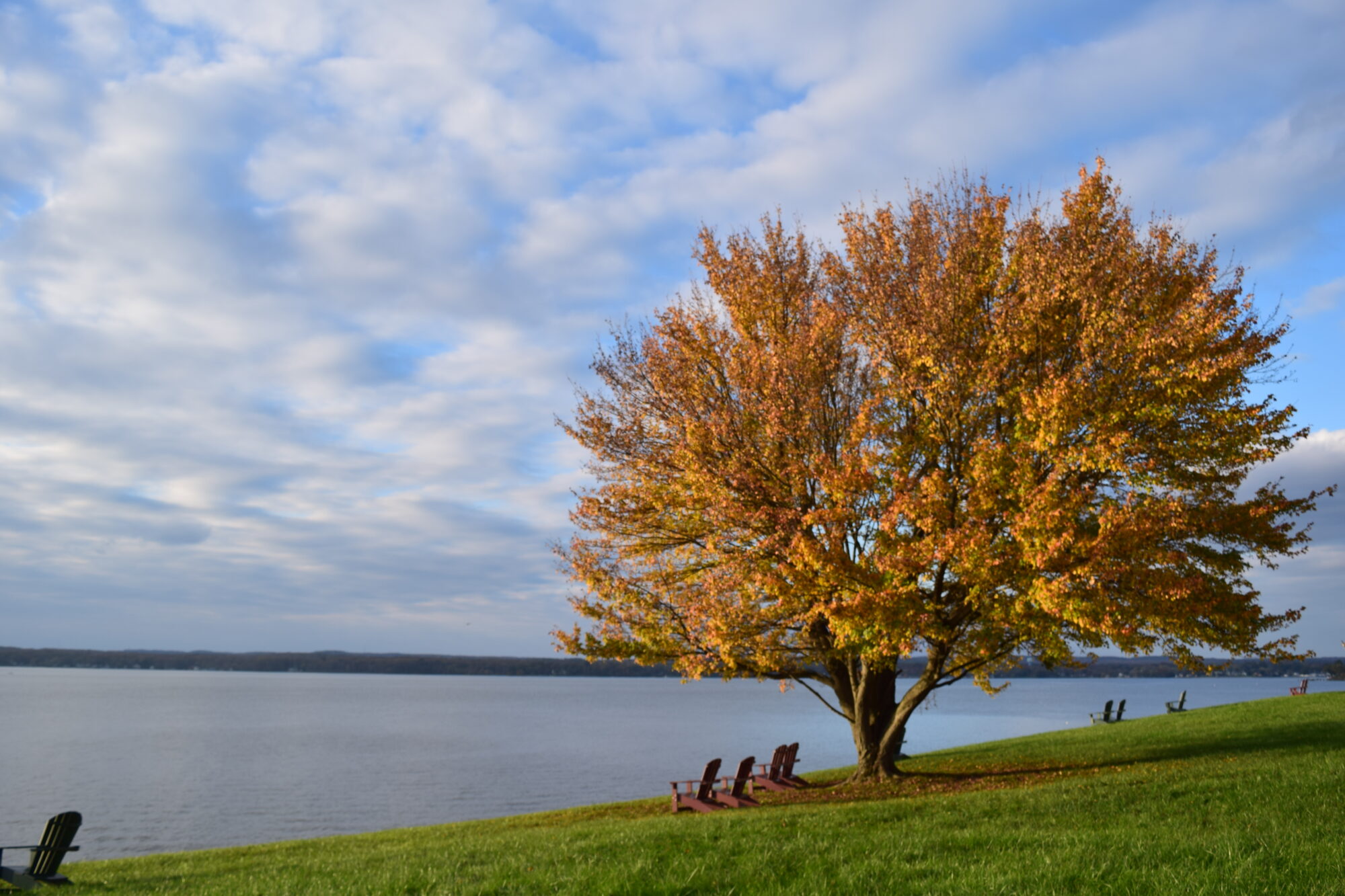
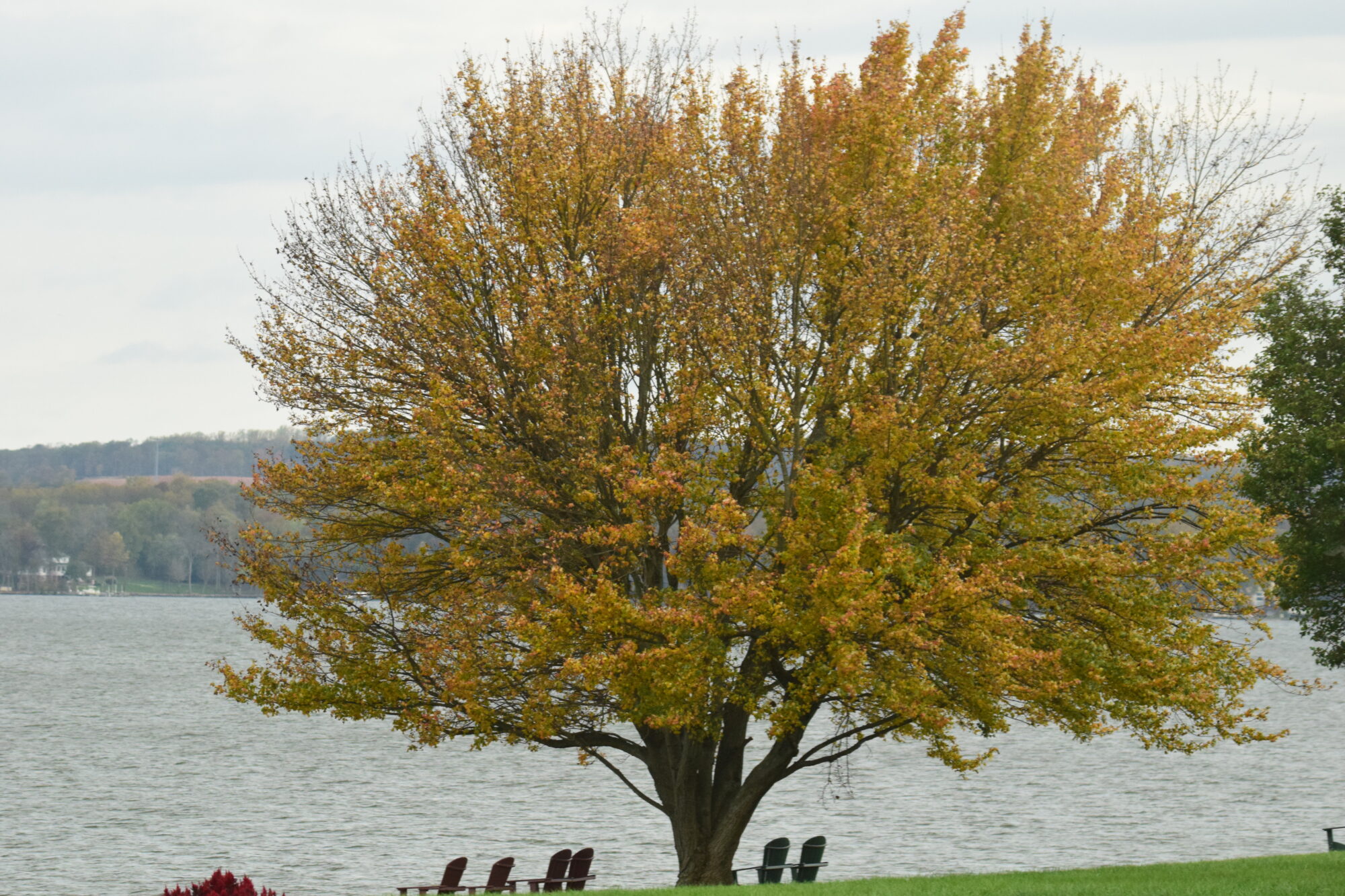
ParticipantI found out about this assignment while we were away by the Chesapeake Bay. I focused on one tree and varied the aperture and angle. I couldn’t use my tripod because i had left the adapter needed.
Attachments:
November 21, 2020 at 10:09 pm #55425 Sarah BeersParticipant
Here are a few pictures I took on a field day from my archives
Attachments:
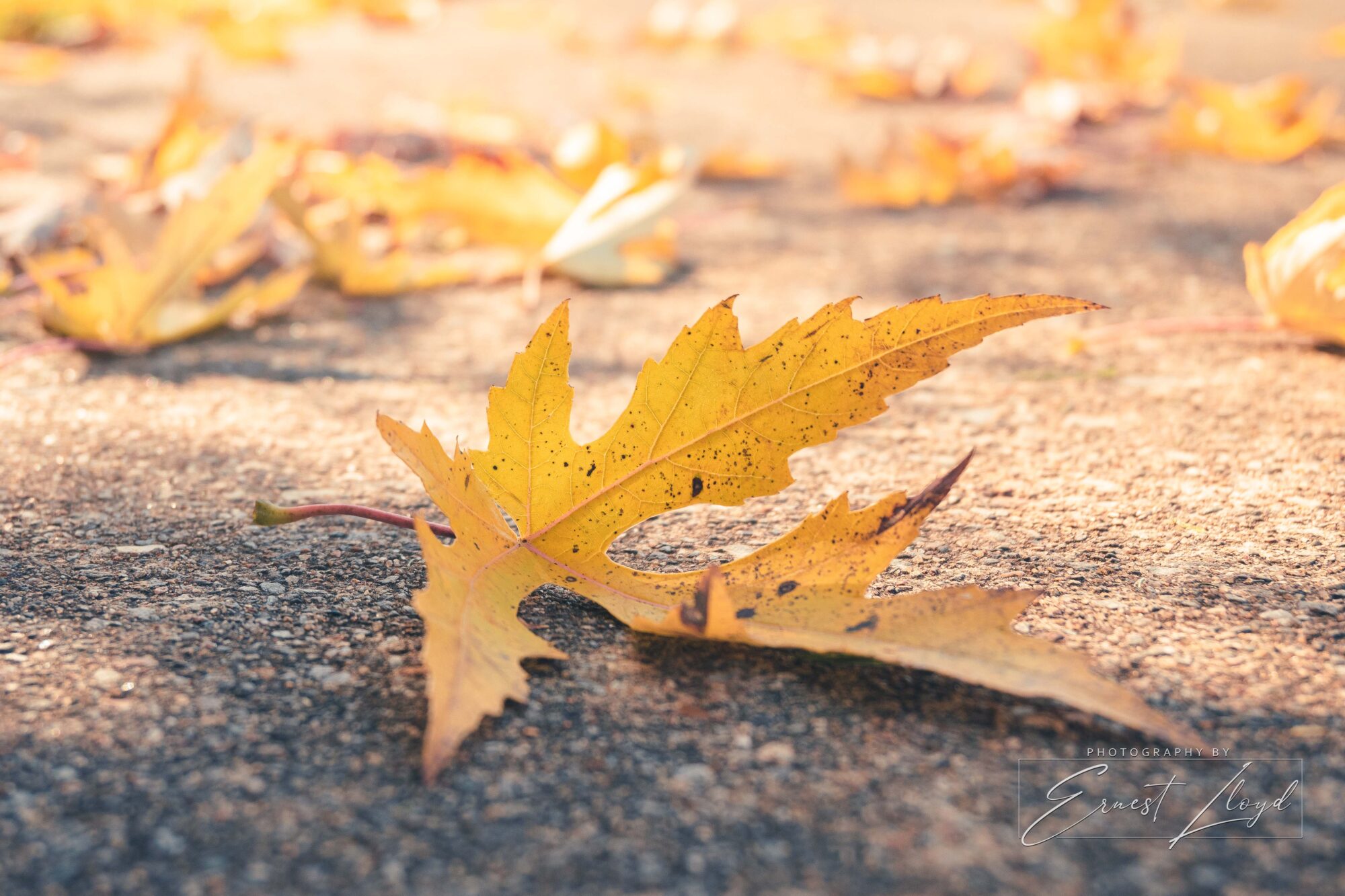
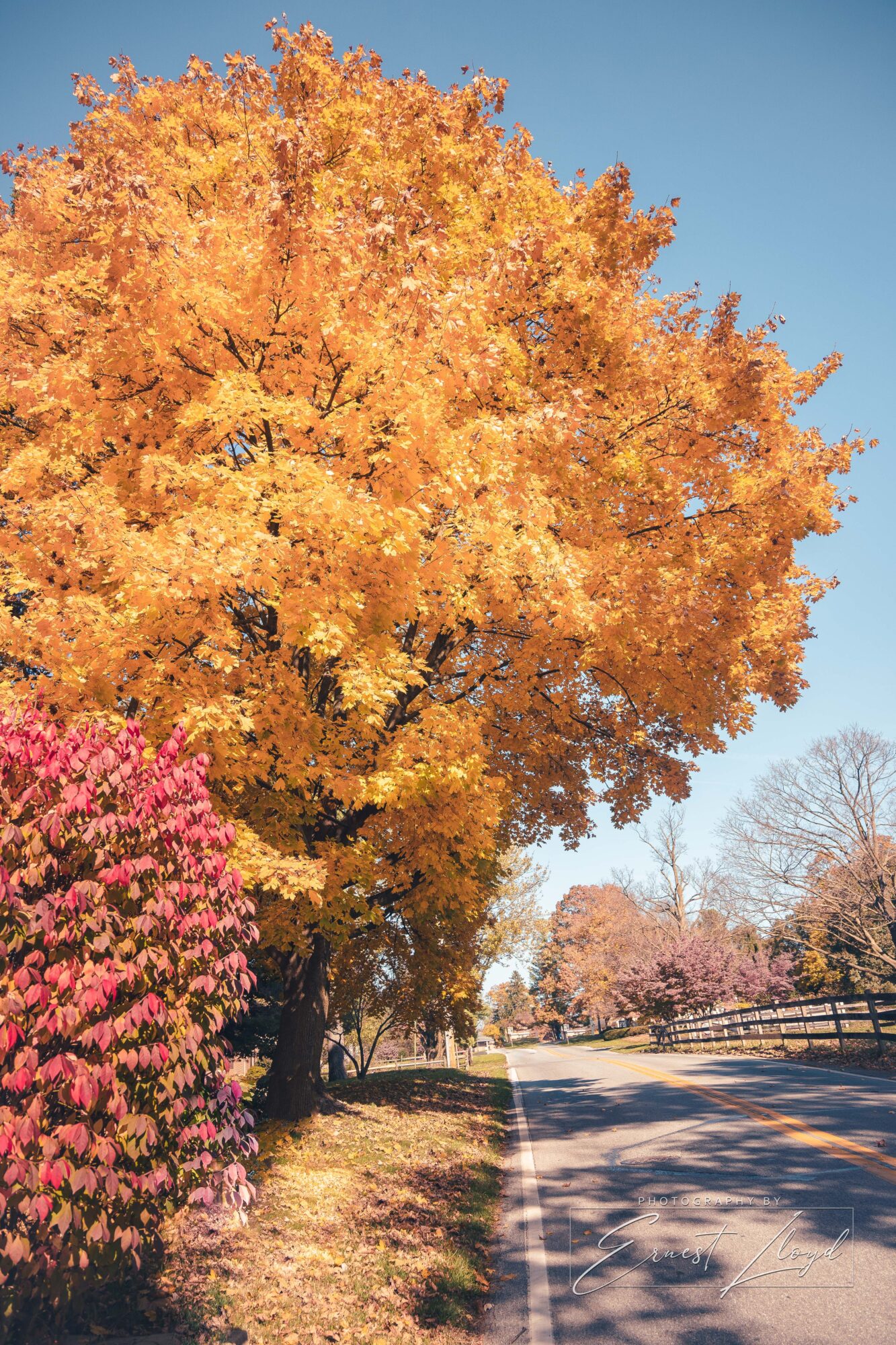
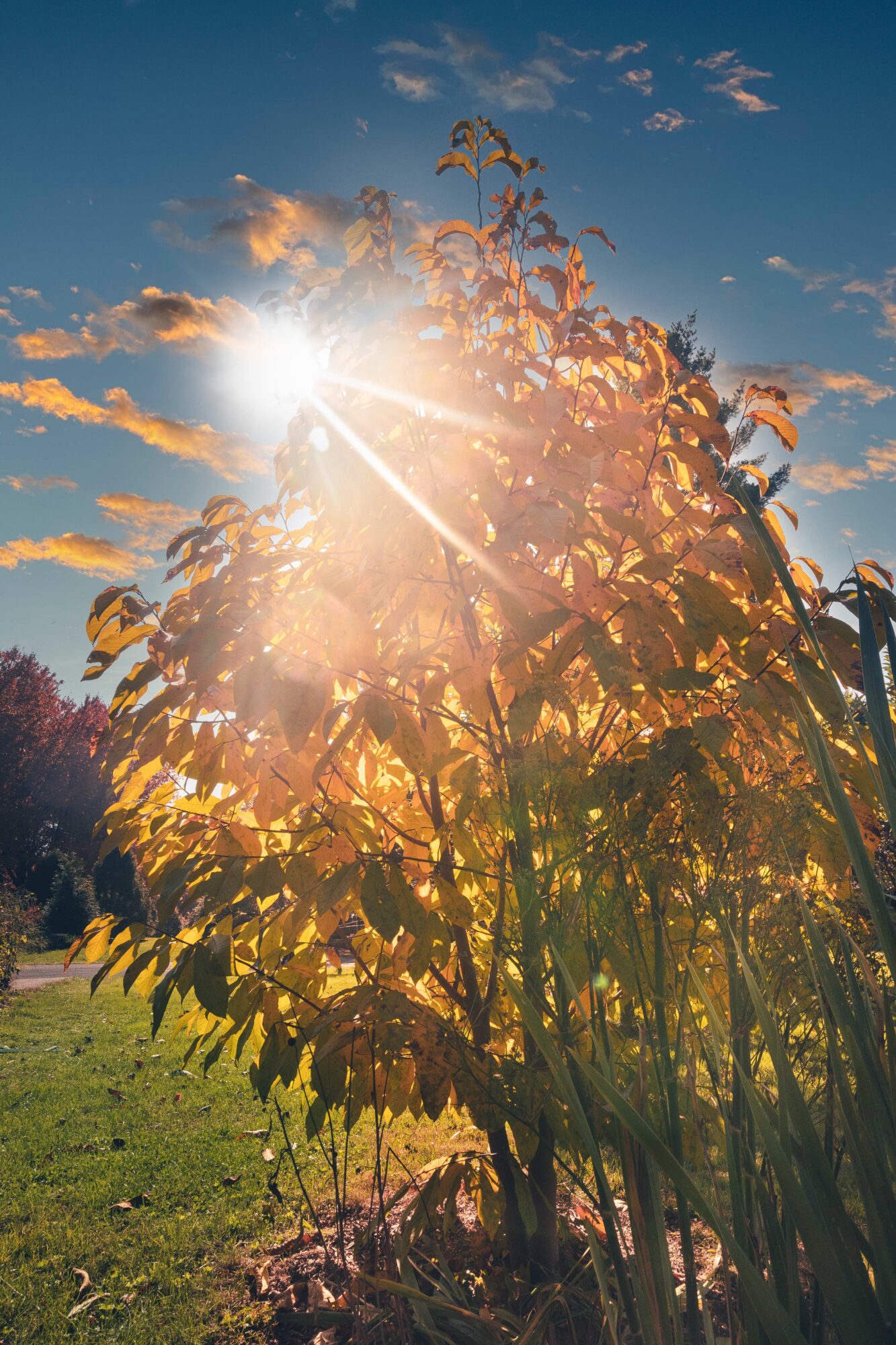
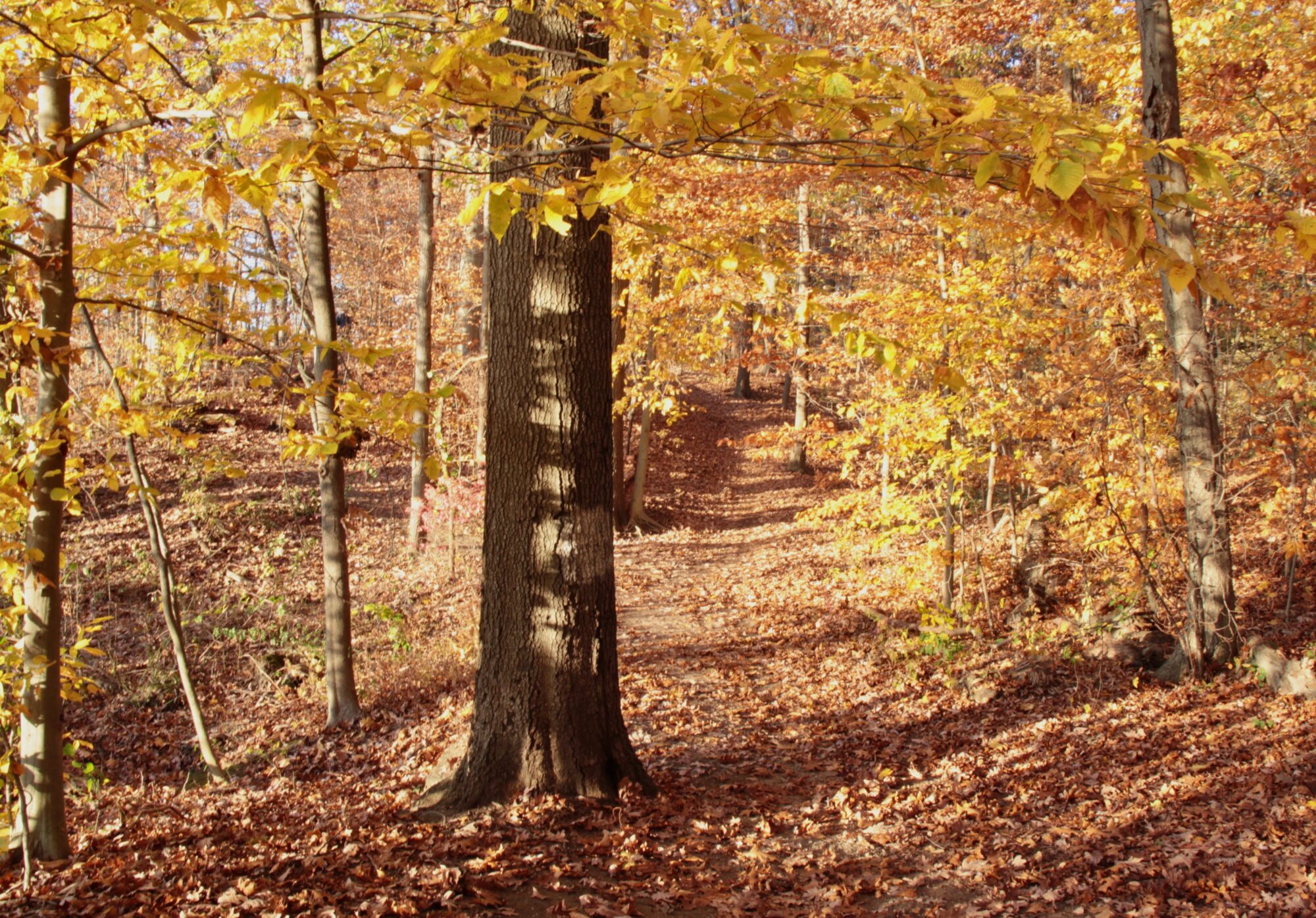
November 21, 2020 at 10:21 pm #55428 Ernest LloydParticipant
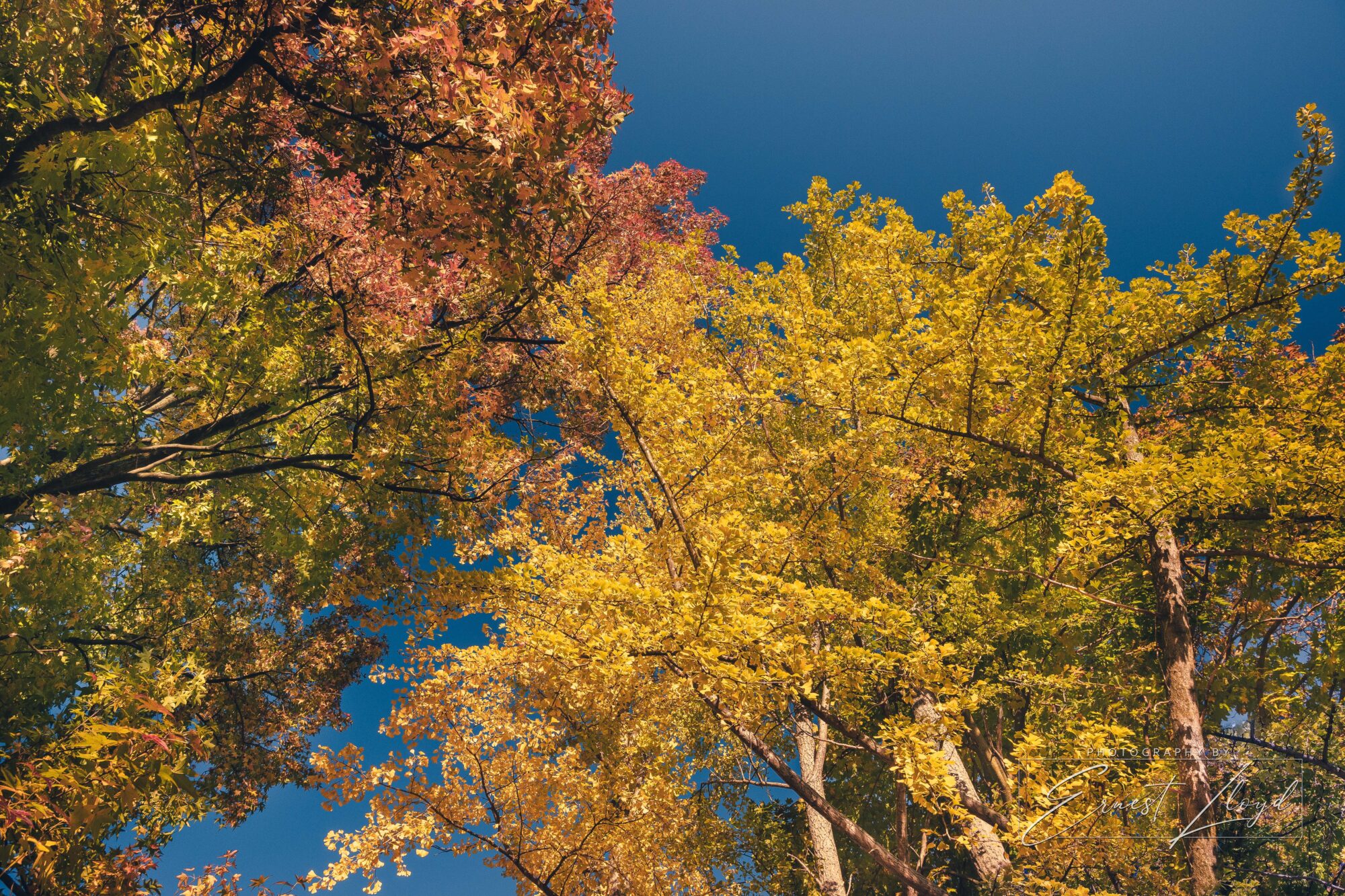
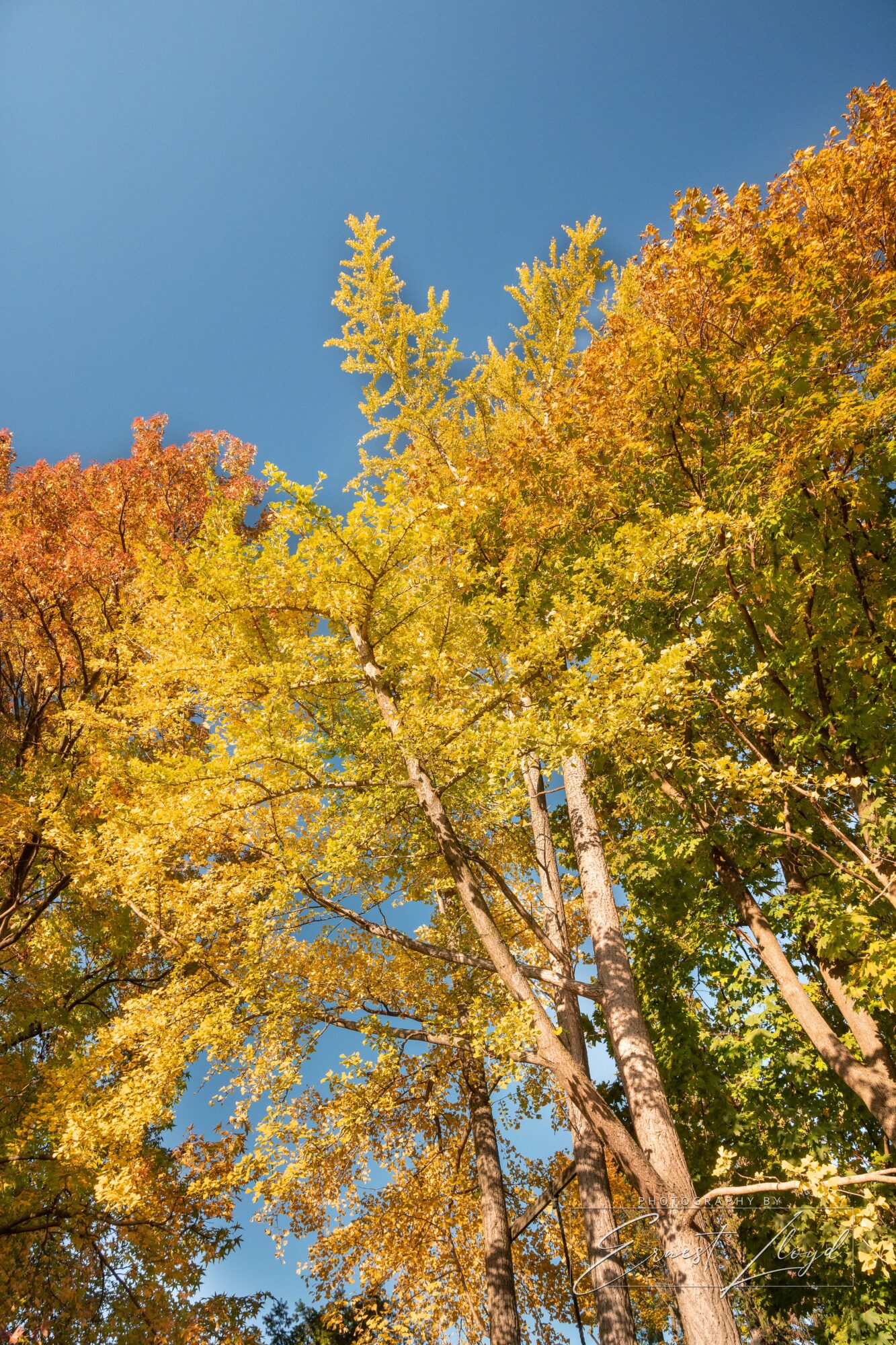
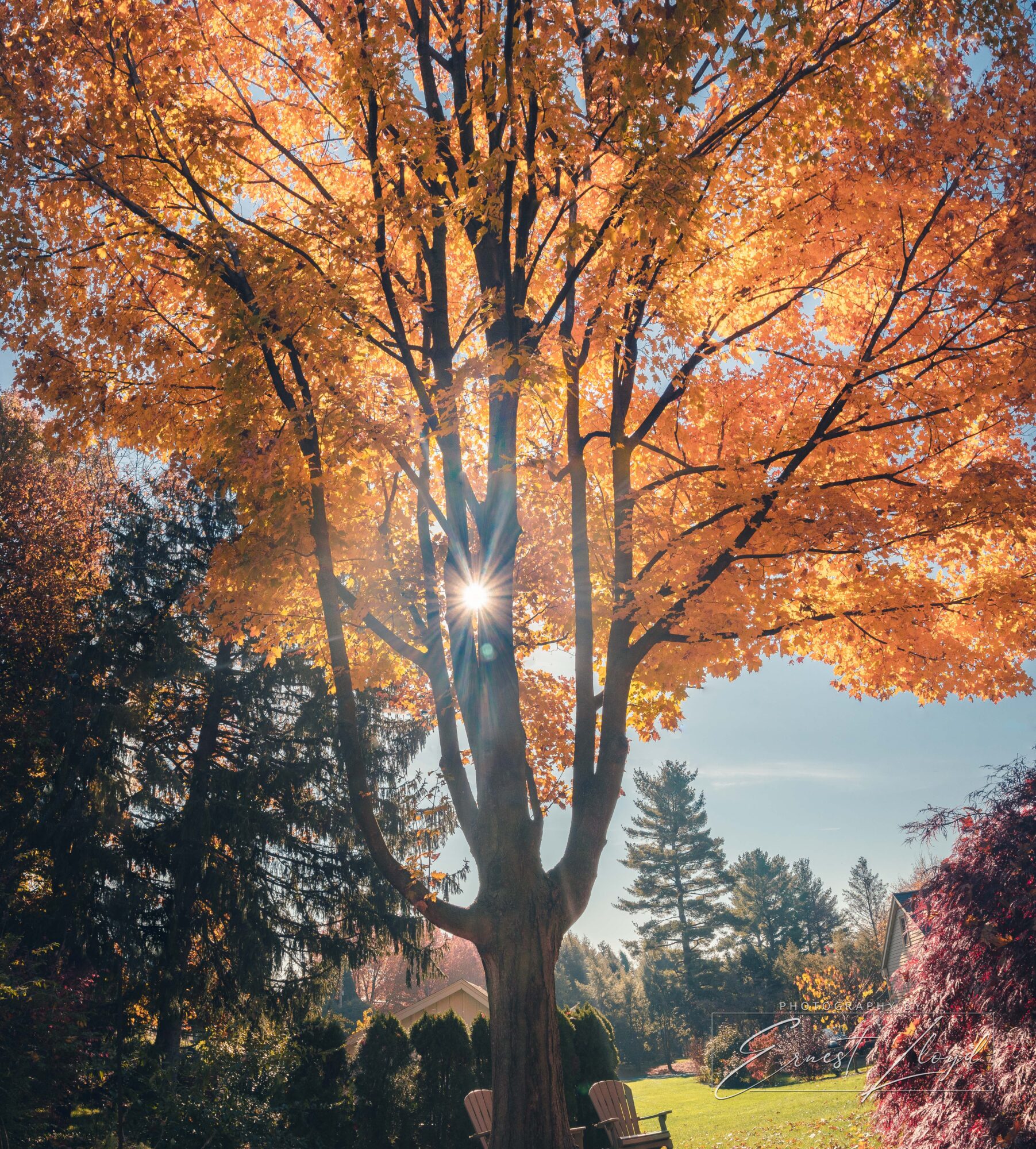
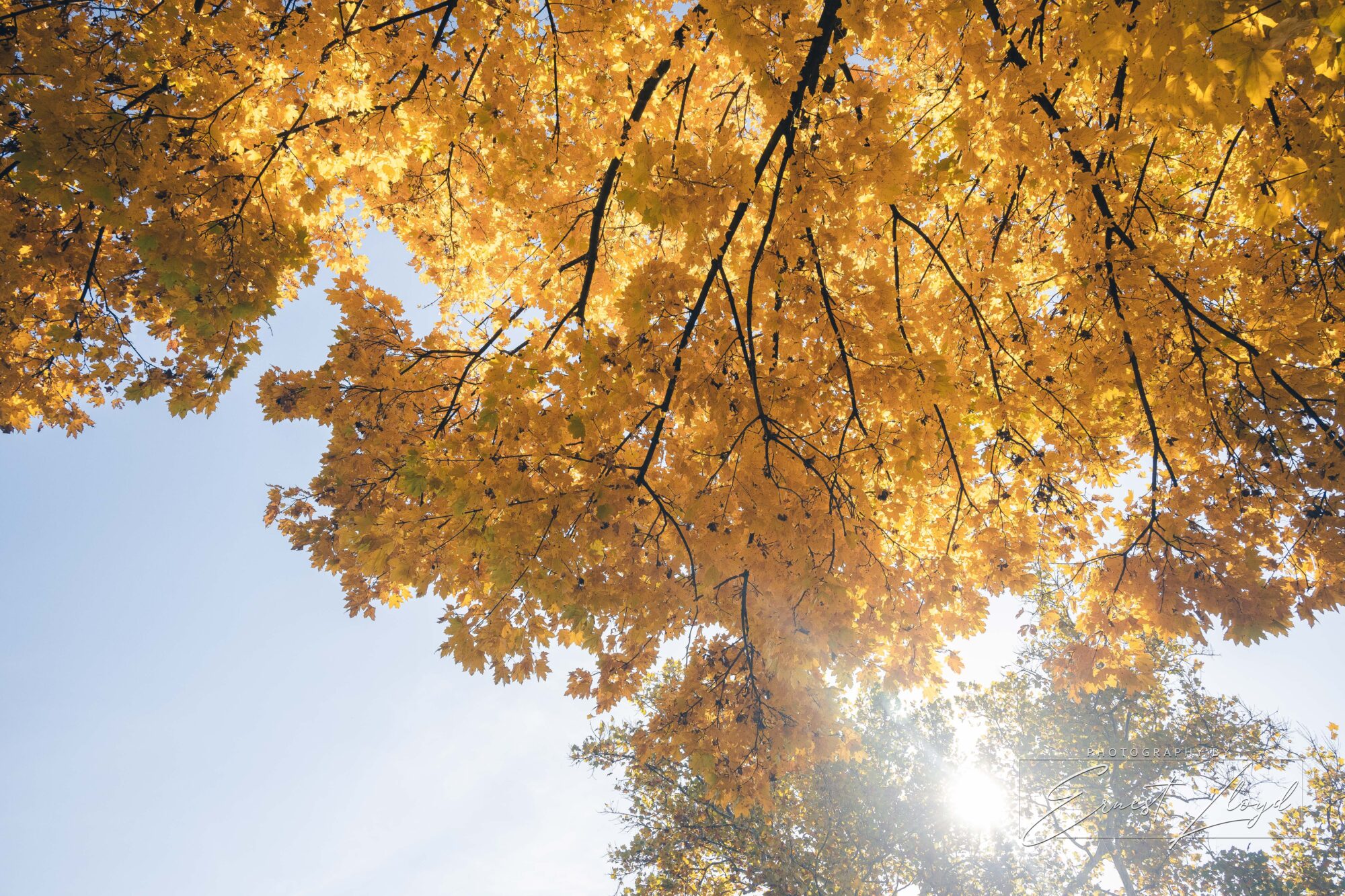
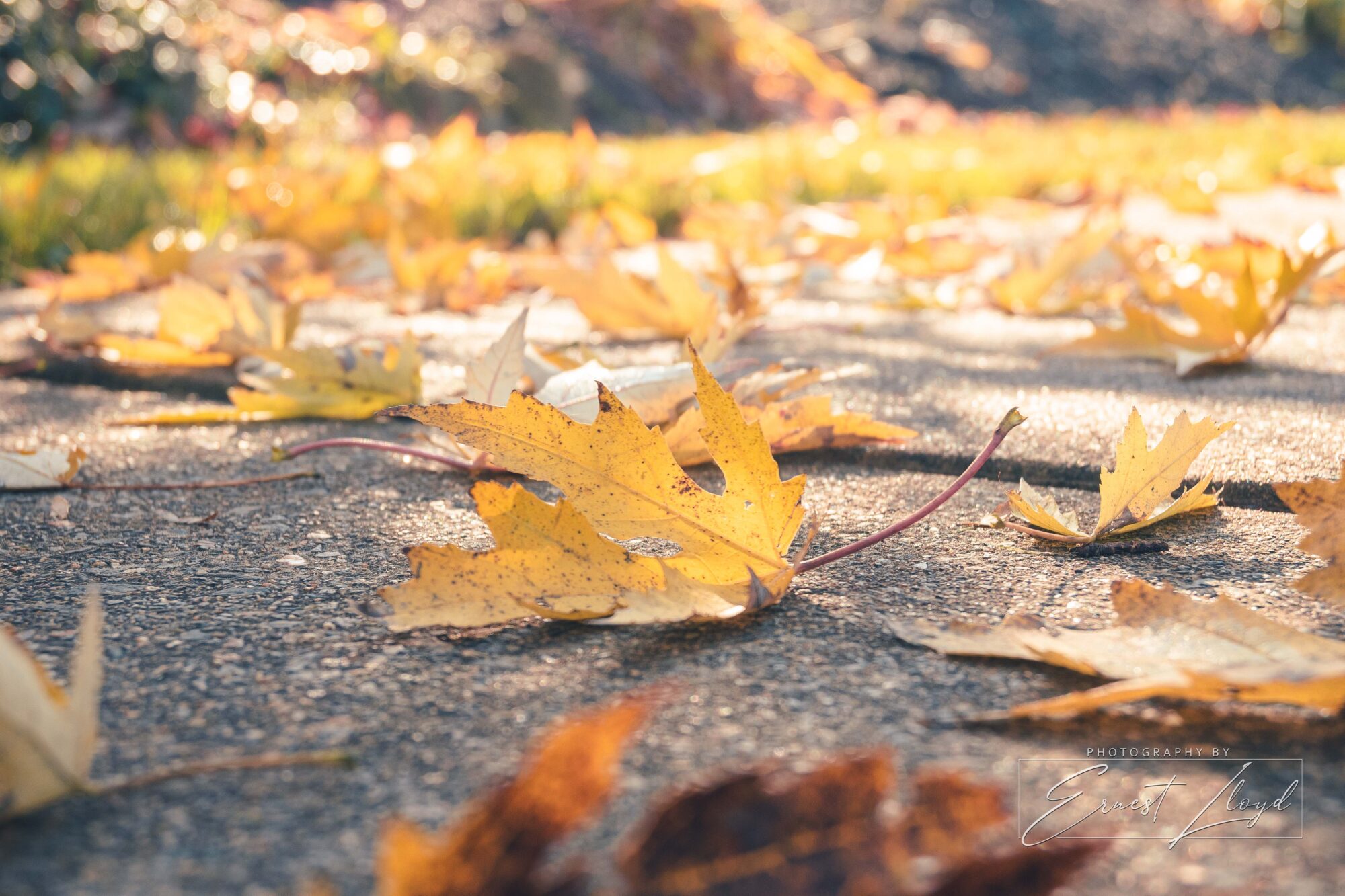
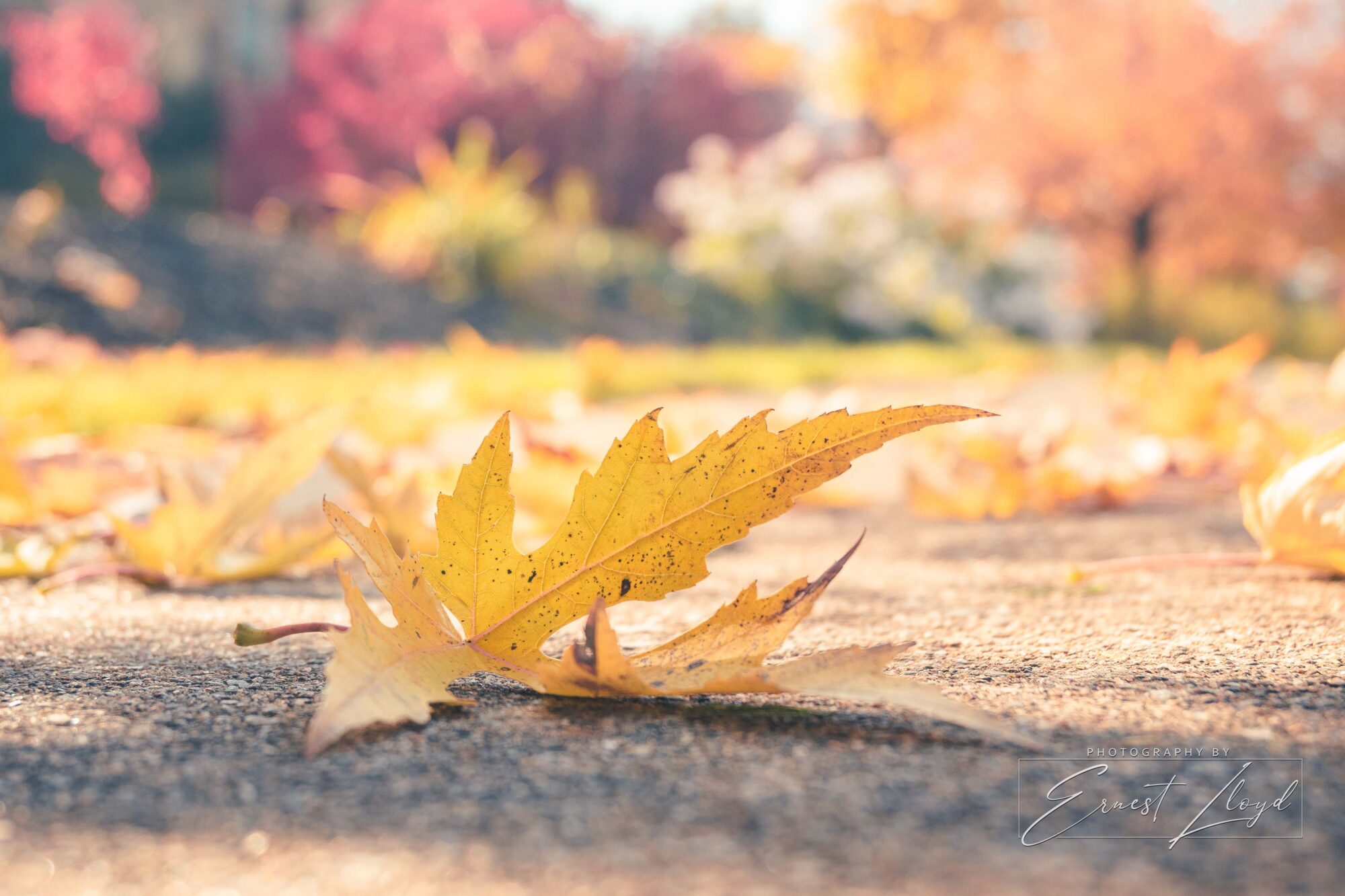
I know I’m late again, but better late than never! (10:30 PM)
I’ve been taking a lot a fall photos other than for this assignment, so I might add in a few of those as well. 🙂Attachments:
November 21, 2020 at 10:41 pm #55438Ernest LloydParticipantMight be doubling up…
Attachments:
November 21, 2020 at 11:42 pm #55465Sarah BeersParticipantHere are a few more
Attachments:
November 21, 2020 at 11:46 pm #55470Sarah BeersParticipant.
November 22, 2020 at 8:51 am #55518Frazer Family
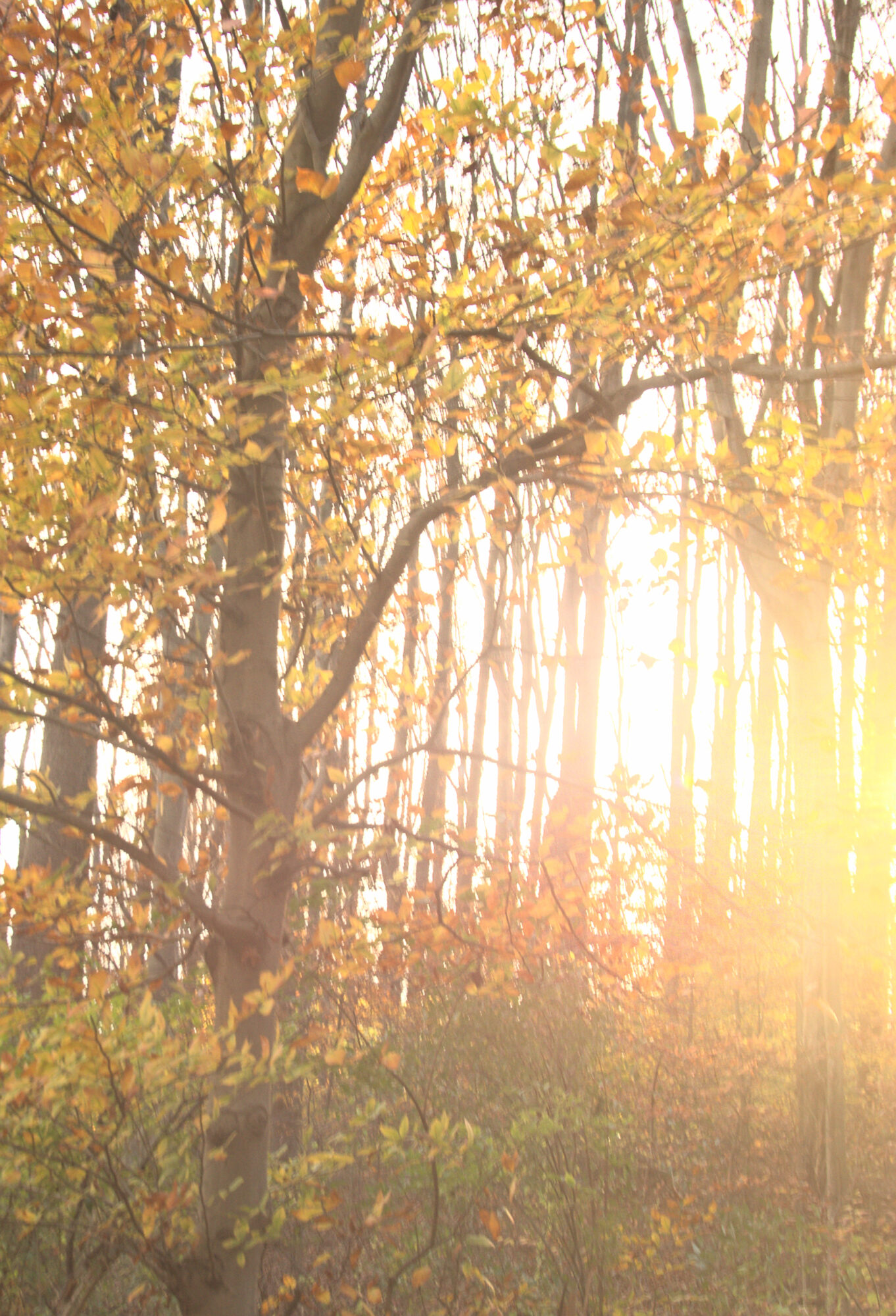
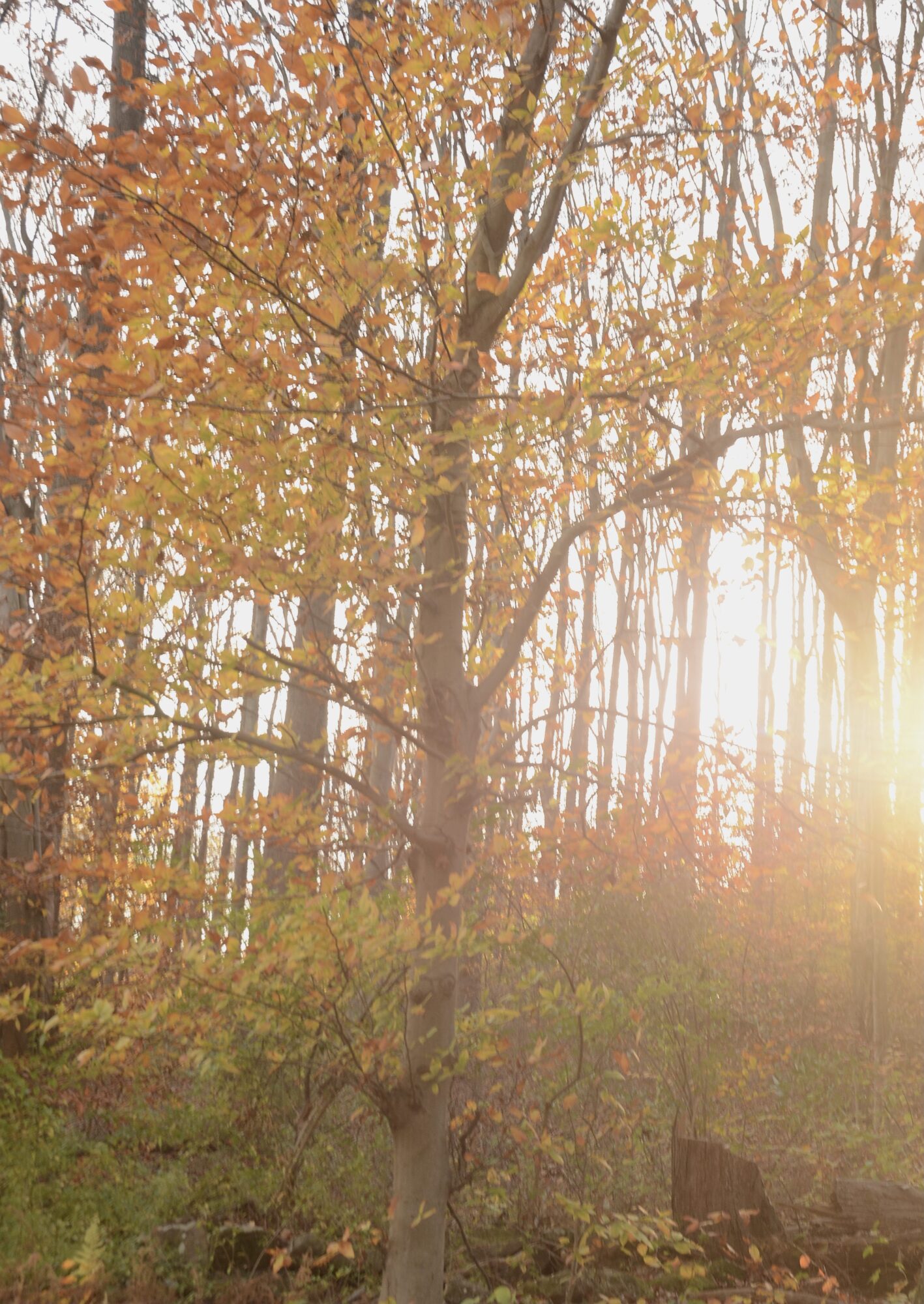
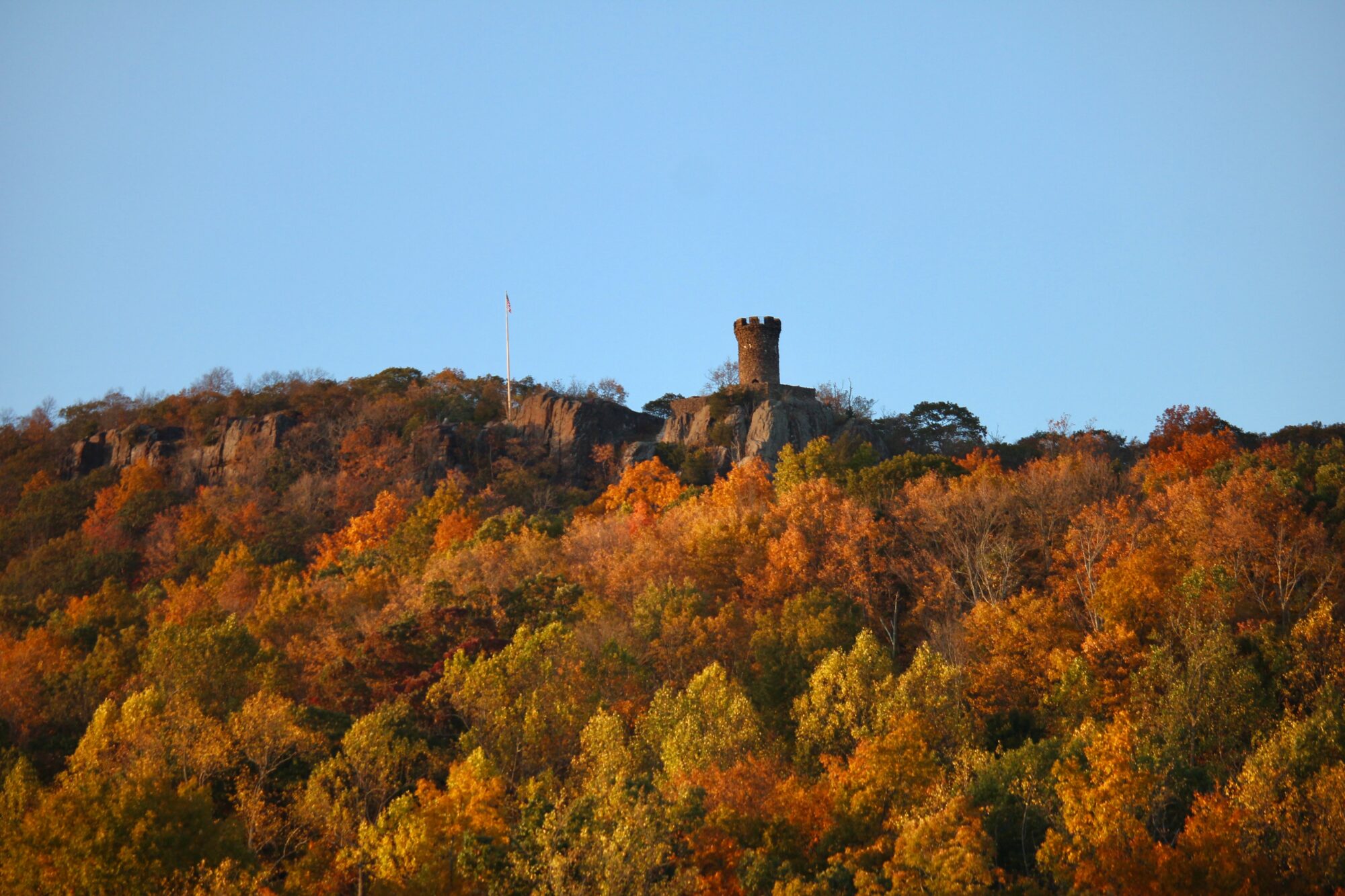
ParticipantI definitely like the first shot, D2F35309-4260-4683-981C-1EA73C3DF1E1.jpeg, best, because there’s more open space in the sky. You could use this kind of picture for almost anything!
I tweaked it a bit, cropping out the deck chair on the left, which seems to draw one’s eye off the picture instead of towards the subject, and also cropped out the house on the right, which (I find) also does that.
Also, and most importantly, I straightened the image, making your horizon level; this avoids a “hand-held-shot” look.
The effect of the strongly slanted sunlight on the golden leaves is gorgeous. Good timing on the shot!
-
This reply was modified 5 years, 11 months ago by
Frazer Family. Reason: I forgot to attach the picture!
Attachments:
November 23, 2020 at 12:23 pm #55530 James StaddonKeymaster
@blessingscaptured, I forgot to reply to your question about horizon’s looking straight…
The horizon is always straight (unless it isn’t) so make the horizon look straight, and the rest of the photo should be correct as well.
LOL 😀
But seriously, both “trees” and “the perceived horizon” (unless you’re in Kansas LOL) can look catawampus so neither are strictly reliable. When you can’t see the “true horizon” what you’re dealing with is an optical illusion. Even if you used a level to take the picture, it would still look not-straight. True horizon will always be level, so I tend to use the horizon in general to level my shots. But since you’re working with something other than true horizon, then it’s a very good idea to use the trees, as @buddingphotographer suggested. If it looks awful either way, then you just have to eyeball it so that the optical illusion is as unnoticeable as possible. You could also try playing with “Transform” or even “Lens Corrections” panels in LR.
-
This reply was modified 5 years, 11 months ago by James Staddon.
-
AuthorPosts















You must be logged in to reply to this topic.