
Assignment Details: Sharing the Gospel
Learn from a demonstration video
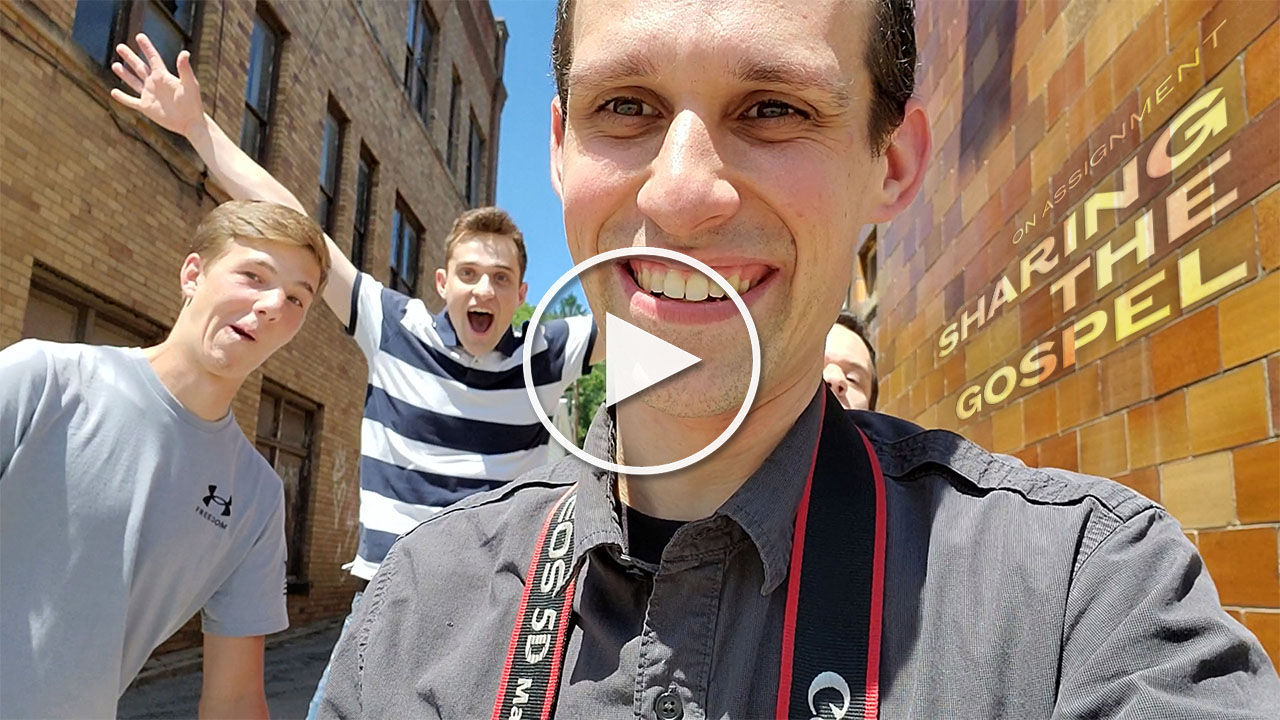
Assignment Deadline: Friday, April 24, 2026
Day(s)
:
Hour(s)
:
Minute(s)
:
Second(s)
Who We’re Shooting for
What They Need
Stock-quality photos that depict the idea of evangelism
Request
Photos that depict an individual sharing their faith with 1 to 3 people. This would include ideas like:
- Handing out tracts
- Sharing from the Bible one-on-one
- Sharing the gospel on the street with one to three people
Details
Special Instructions:
To maximize beautiful background blur in your photos, take each photo at the most telephoto end of your lens’ zoom range. For example, if you are shooting with an 18-55mm, shoot at 55mm. If you are shooting with a 70-300mm, shoot at 300mm.
Dress Code: Modest, casual or semi-casual attire.
Orientation: Any
Photo Specs: High quality. Minimum 3,600px longest edge. Tack sharp, proper exposure, edited tastefully.
Model Release: Each person you photograph (or the parents/guardian of the person) will need to sign a model release (like this one), even if they are your family members. You must submit model releases alongside your photo submissions.
Assignment Awards: In order to be eligible to be chosen as a winner, you must be a Lenspiration member. One winner will be chosen based on having the greatest variety of photo submissions that best fulfill the assignment. The winner will be awarded $10 USD.

Submit your High-Resolution Photos
Required: Upload your non-watermarked, high resolution photo(s) here. You may submit up to 10 photos.
If using Lightroom, export as DNG and upload those.

Share for Discussion
Optional: Create a small version of your edited photo(s) to share & discuss with the Lenspiration community. You may submit up to 10 photos.
Share JPGs, less than 8MB each. 1200px longest edge recommended. Watermarks are fine.

Join the Coaching Webinar!
Register to attend this month's live photo coaching webinar!
We'll review photos submitted for the assignment, and answer questions asked during the live event.
Not sure how to download or edit your photos? Perhaps you're just getting started in photography. Perhaps you've never downloaded photos onto your computer before. Perhaps you don't have any photo editing software. Don't worry! We're here to help you learn the fundamentals of digital photography. Start with taking the courses Secrets to Photo Editing and How to Share Your Photos With The World. You can also reach out to us on the Q&A Forum with specific needs and we'll help you set up a process that works best for you!
By submitting your photo(s) for this Shoot to Serve assignment, you agree to the terms outlined in the STS Photo Assignment Agreement. Lenspiration reserves the right to add any of the photos that are submitted for this assignment in the Shoot to Serve Photo Database.
If you would like to opt out from having your photos included in the Shoot to Serve Photo Database for this specific Database Assignment, you must reach out to Lenspiration via the Contact page as soon as possible after you submit your photos for this Assignment.
Related Training
For Lenspiration Members

How to Create Beautiful Background Blur
Background blur adds a definite element of beauty to photos, but why? And how do we get it? There are 4 specific things you can do to influence the amount of blur in the background. In this video lesson from Explore With Your Camera, let’s learn how to apply these 4 things in your photos to intentionally make your background blurry, regardless of what situation you find yourself in.