
Home › Forums › Photography Q&A › Pictures when no color or beautiful scenery
- This topic has 83 replies, 5 voices, and was last updated 9 years, 12 months ago by
 James Staddon.
-
AuthorPosts
-
May 31, 2016 at 10:26 am #17109
 James StaddonKeymaster
Just finished catching up on this thread after being gone for a month or so . . . glad to see more and more questions being answered, tips being discovered and ideas being explored! @buddingphotographer should teach a class on “The Art of Water Droplet Photography” some time. 🙂
- This reply was modified 56 years, 8 months ago by .
June 1, 2016 at 7:56 pm #17177 Hannah MooreParticipant
I know, this has gone on for longer than I expected!! I was thinking that we should start a new page labeled “Water Drop\Flash Photography!” 🙂
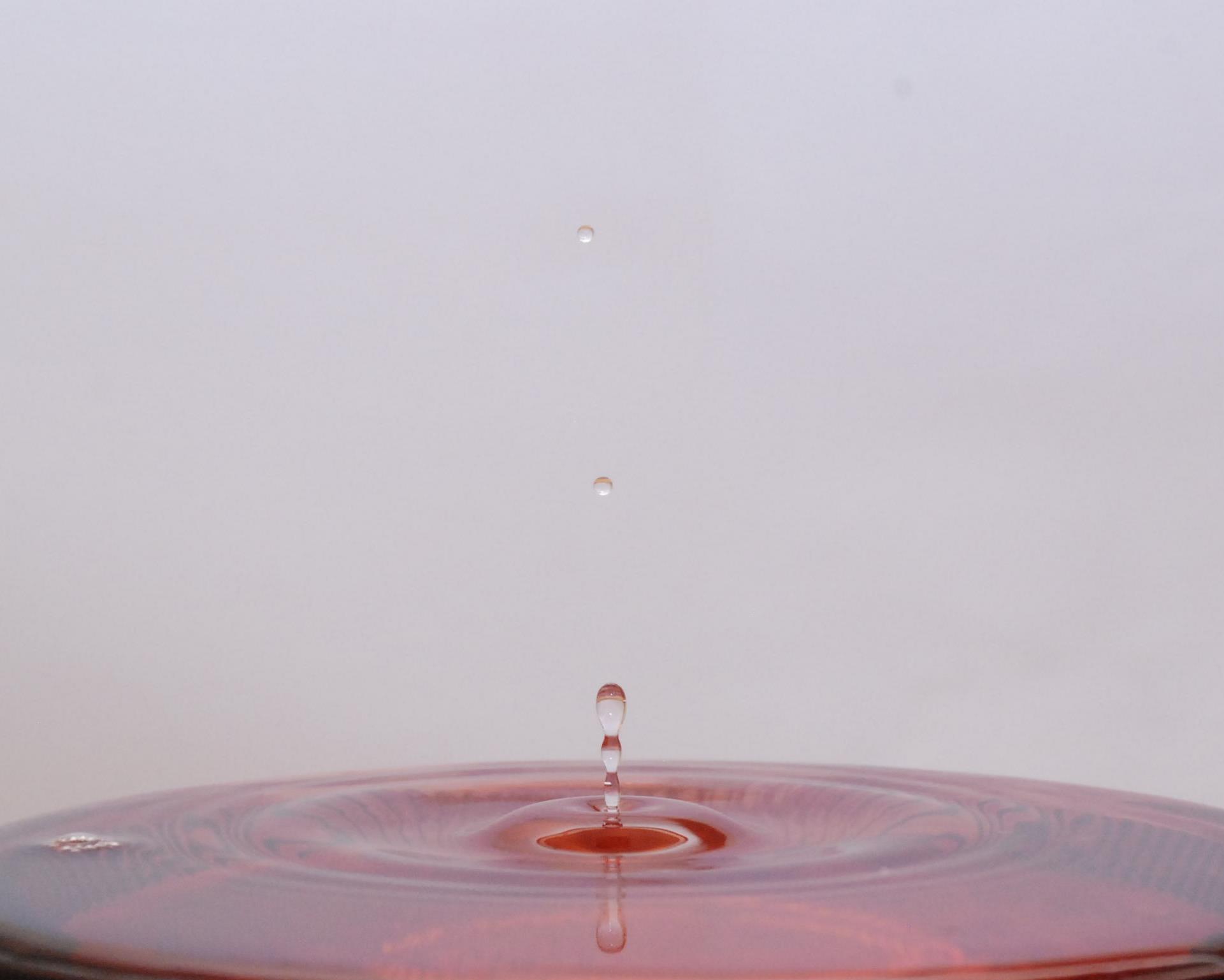
I tried an other water drop with the speedlite. This is without fixing the color. I think it’s a little brighter than the other one!? What other idea do you have of brightening it up without whitening the whole picture, because I still don’t feel that it’s improved much??- This reply was modified 56 years, 8 months ago by .
Attachments:
June 2, 2016 at 9:24 am #17192Ezra Morley
ModeratorLooks to me like the “whiteness” could possibly be a reflection of your white background on the water. Is your white background at an angle? Try angling your white background up, so that when the flash hits it, the light bounces up and away, not back down onto your water. I see you’re still shooting at ISO 1600, is there a reason for that? 🙂 One of the first photos you posted had the exact same settings, but you used ISO 200 instead of 1600. You’ll have to turn up your flash some to compensate.
I popped your photo into GIMP, and with about 30 seconds of levels adjustments, I got this: (I didn’t do anything to the WB, just moved the black and white sliders). You should be able to do the same thing in Lightroom, try moving the Blacks slider to the left, and the Whites slider to the right.

You may want to just go back to using the on-camera flash, if that works better for you. There’s no law that says you have to use an external flash. My theory is that you use whatever gives you the best results, regardless of whether it looks/acts/feels professional. 🙂
Attachments:
June 2, 2016 at 9:37 am #17194ModeratorP.S. Try making the WB a little warmer as well, that will help to make it “POP” a little bit more.
June 2, 2016 at 10:29 am #17196Hannah MooreParticipantI actually checked the ISO on the camera settings before taking the picture to make sure it said 100 and not 1600, and it said 100.?? But the settings after I took the picture were ISO 1600. Why?!? 🙂 I also used, like you said, Auto WB.
June 2, 2016 at 12:07 pm #17199James StaddonKeymasterYour camera wouldn’t happen to be an Auto ISO too, would it?
June 2, 2016 at 1:37 pm #17202Hannah MooreParticipantAuto ISO?
Over the battery bar, there is ISO Auto. What’s that mean??June 2, 2016 at 1:51 pm #17208ModeratorAha, @jamesstaddon, I think you found the problem! 🙂
@Hannah, Auto ISO means that the camera will automatically select the ISO that it thinks will properly expose the image. Since the camera doesn’t know that you’re using a flash, it tries to make the exposure brighter than necessary, which is why it’s setting your ISO speed so high.The instructions for turning Auto ISO off are on page 88 of your Nikon D80 manual.
June 2, 2016 at 2:11 pm #17209Hannah MooreParticipantAlright, I got my owners manual out, and switch it to “OFF”! Great thanks for finding that out @jamesstaddon!! There are so many “minute” details!!
June 3, 2016 at 3:42 pm #17226James StaddonKeymasterYay! Now you can go back and re-do what @buddingphotographer suggested and come out with more expected results. 🙂
June 4, 2016 at 6:42 pm #17241Hannah MooreParticipantOh! ya, I can’t wait! 🙂 🙁 !
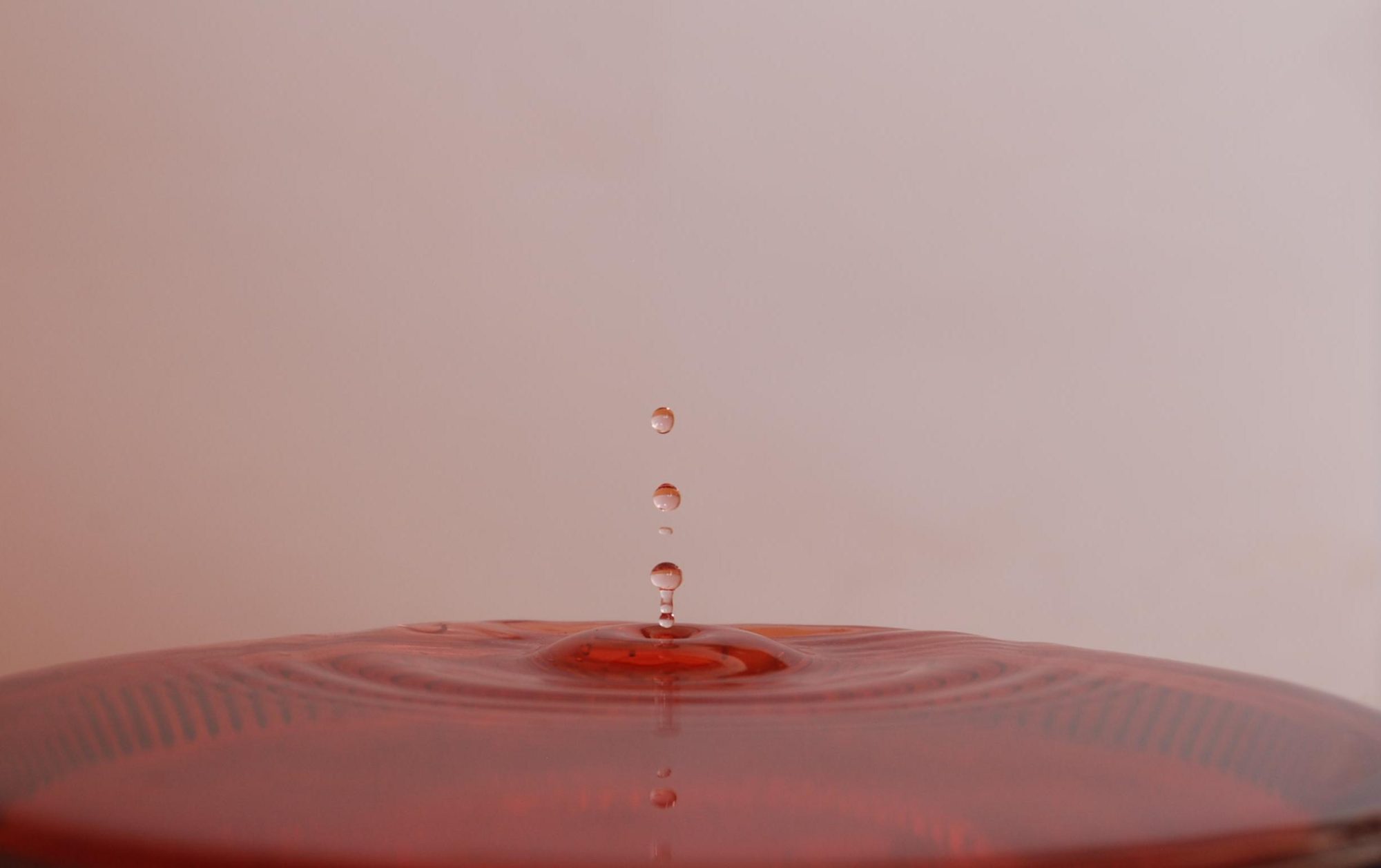
June 23, 2016 at 7:36 pm #17584Hannah MooreParticipantAll right now, here it is and I’m about to dump the water, only because it’s literally “REALLY OLD,”…and other reasons…!! 🙂
What do you think???? 🙂 The ISO Auto IS off…I made sure of that!! Although I do see that the back ground is still a little “pink,” why is that?? Also, on the camera, it seams to look a whole lot better than the blown up picture here. And again I didn’t edit it, except to crop it.I do have a picture of the set up, if that would help you, so you could see the direction of the flash. I guess I’m willing to try a few more pictures if I need to!!
- This reply was modified 56 years, 8 months ago by .
Attachments:
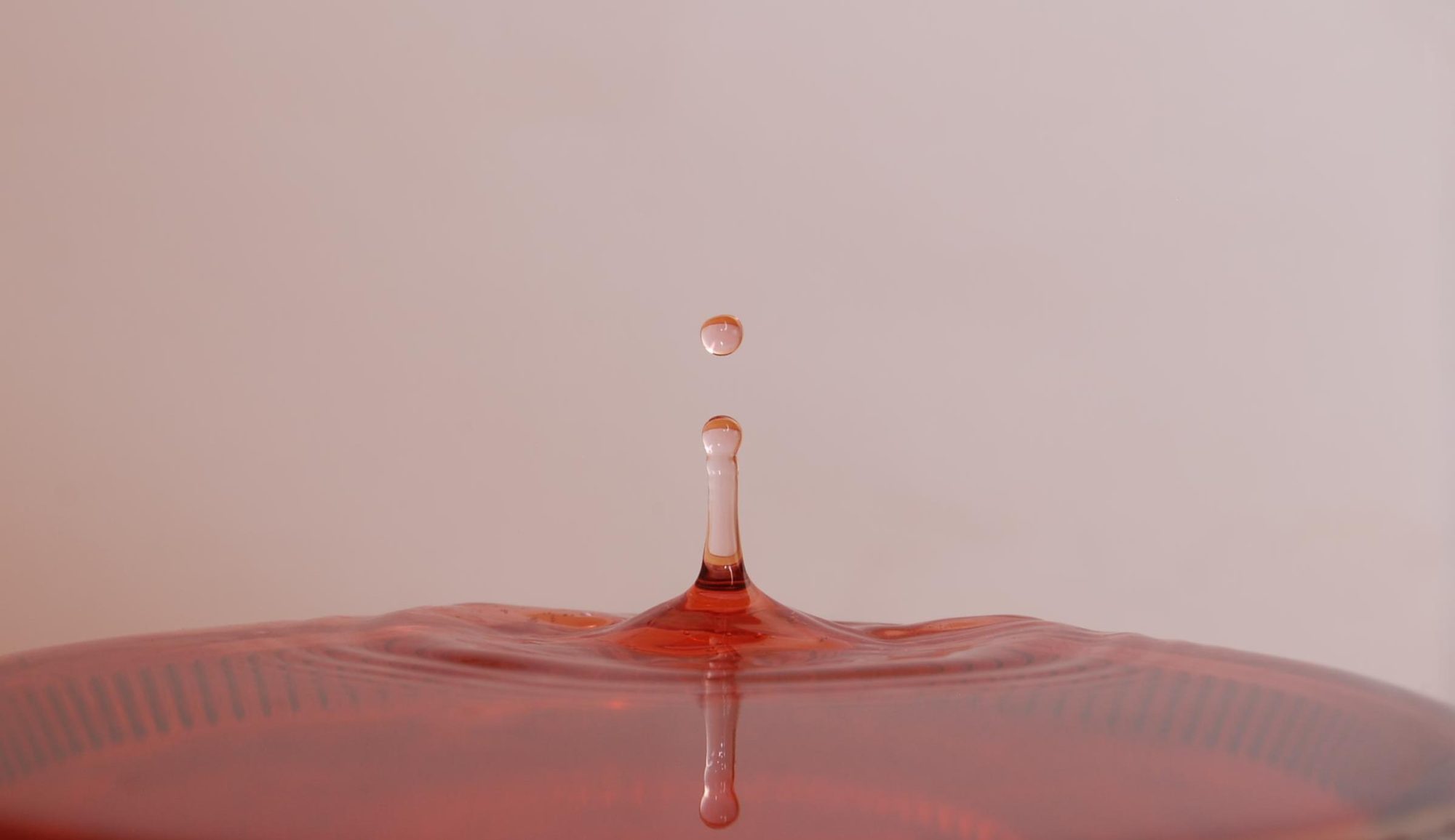
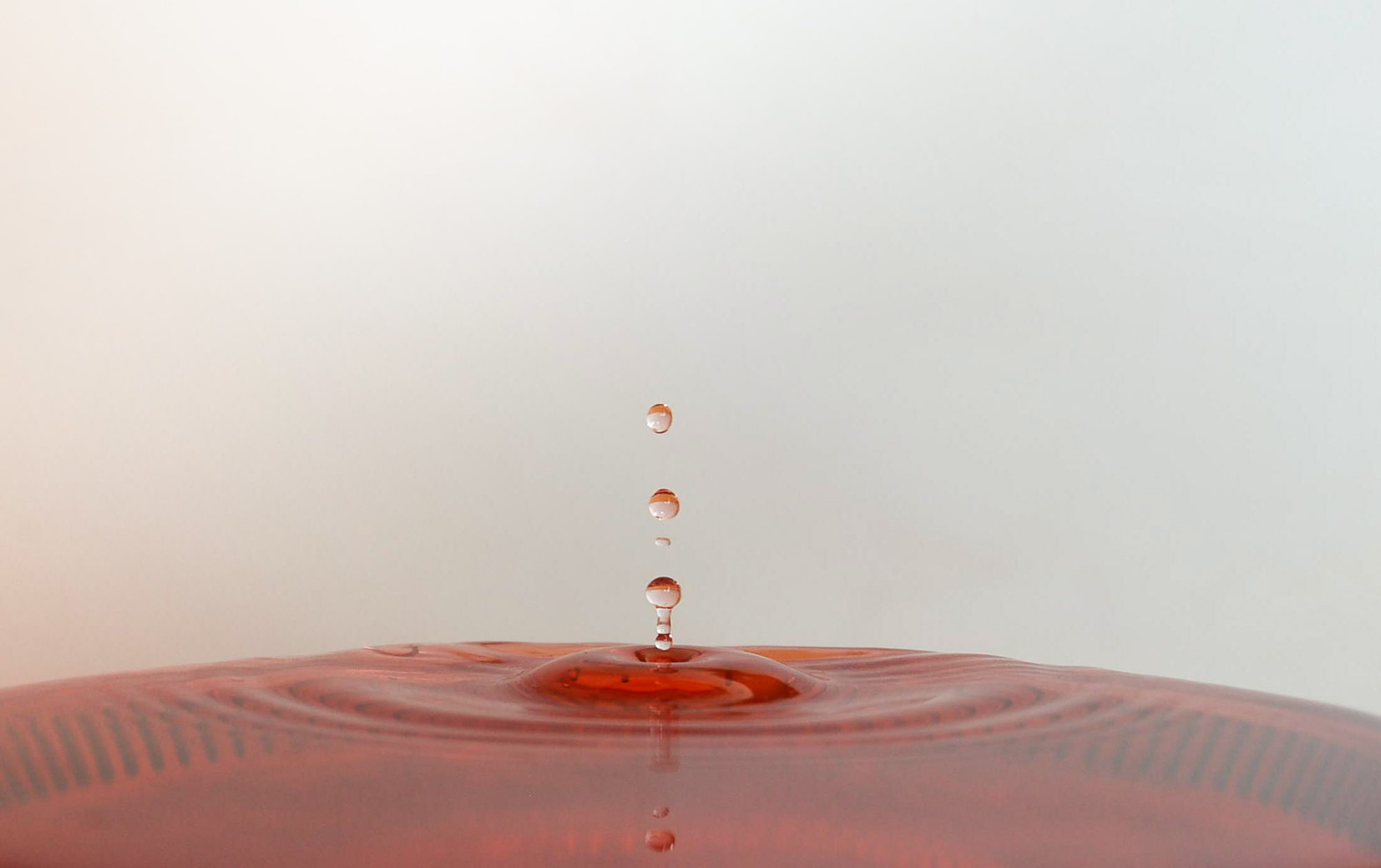
June 23, 2016 at 7:48 pm #17590ModeratorI think you’re doing just fine! It’s just time for Post-Processing lessons now. 🙂 Here’s my edited version of your first photo. Looks a bit different, doesn’t it?
Attachments:
June 23, 2016 at 7:56 pm #17592ModeratorThis was actually a little hard to edit because it’s just a very compressed JPG. You should get better results with your original file.
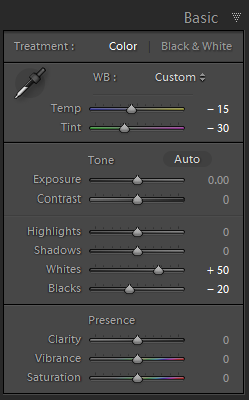
Here are the settings I used in Lightroom:

I got the WB settings simply by selecting the little eye-dropper thingy and clicking it on the background.
(Actually, come to think of it, I used a couple of graduated filters on the “white” background as well.)
Attachments:
June 23, 2016 at 8:36 pm #17594Hannah MooreParticipantWow! That’s amazing. Thanks. So do I pass, with a little bit of you’re edited help???!! 🙂
- This reply was modified 56 years, 8 months ago by .
-
AuthorPosts


You must be logged in to reply to this topic.