
Assignment Details: Glowing Scenery
Learn from a Demonstration Video
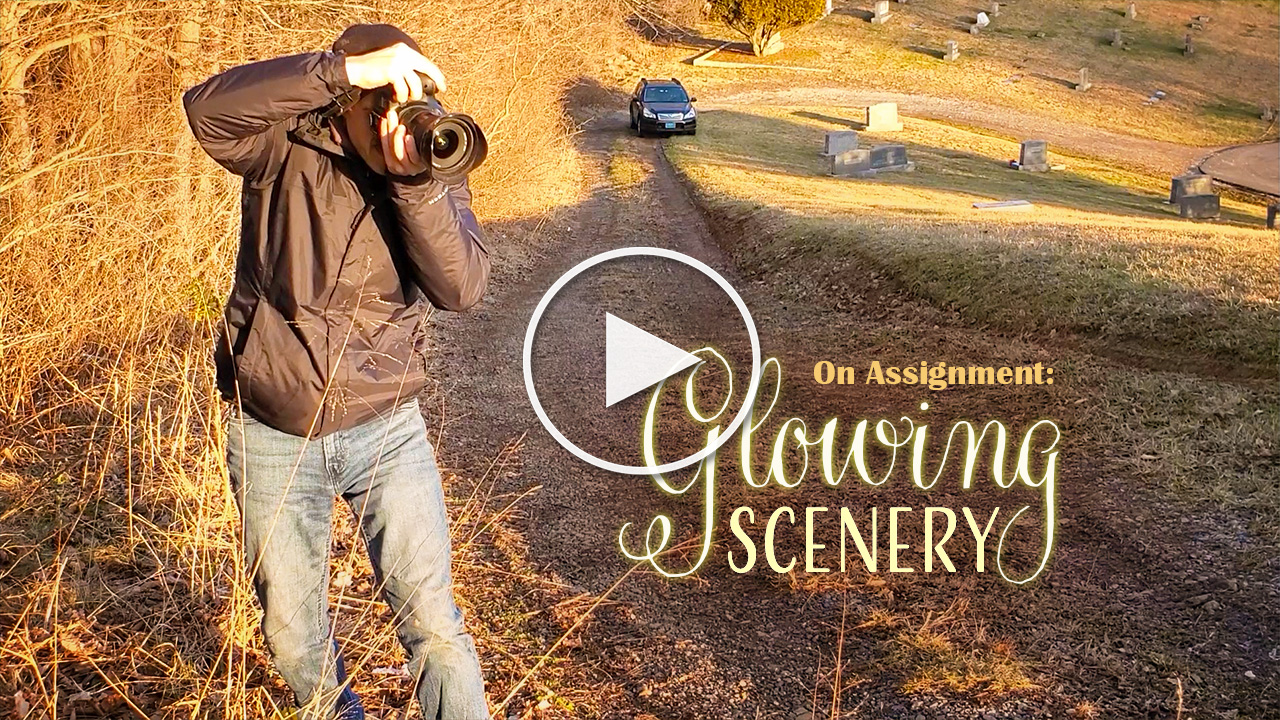
Assignment Deadline: Friday, May 22
Day(s)
:
Hour(s)
:
Minute(s)
:
Second(s)
Who We’re Shooting for
What They Need
Beautiful landscape photos with a warm, glowing sense.
Request
Take beautiful, landscape photos that have a warm, glowing sense to them. Photos could include warm sunlight glowing at the end of a path, over water, over a stream, in a field, or over a mountain.
Details
Special Instructions:
Photograph this assignment during golden hour. Look for a landscape scene, maybe with a trickling brook, a winding path, a beautiful mountain view or fertile valley. Each photo in this assignment should utilize backlight, in order to achieve the desired warm, glowing effect. To learn more about backlight, view the training resources at the bottom of this page.
Orientation: Any
Photo Specs: High quality. Minimum 3,600px longest edge. Tack sharp, proper exposure, edited tastefully.
Assignment Awards:
One winner will be selected based on the criteria "Most Artistic Scenic Photo". The winner will receive 1 free month of Lenspiration membership. In order to be eligible to be chosen as a winner, you must be a Lenspiration member.
- "Artistic" is defined as having an obvious, eye-catching subject, utilizing intentional composition (such that the eye wants to stay within the frame), and of course, fulfilling the assignment by incorporating light that provides a warm, glowing feeling to the photo.
- "Scenic" is defined as something more than a simple detail in nature or of architecture. Think "a flower in a field" instead of "a flower". Think "a flowering tree in a park" instead of "a branch with buds on it". Think "a covered bridge in the valley" instead of "a covered bridge entrance". Think "sunlight spilling over a mountainscape" instead of "a sunburst".
- As an experienced landscape photographer, James will be the judge of this assignment.
- The more photos you submit (maximum of 10), the higher your chances of having your photo chosen as the most artistic scenic photo of all the photos submitted!

Submit your High-Resolution Photos
Required: Upload your non-watermarked, high resolution photo(s) here. You may submit up to 10 photos.
If using Lightroom, export as DNG and upload those.

Share for Discussion
Optional: Create a small version of your edited photo(s) to share & discuss with the Lenspiration community. You may submit up to 10 photos.
Share JPGs, less than 8MB each. 1200px longest edge recommended. Watermarks are fine.

Join the Coaching Webinar!
Register to attend this month's live photo coaching webinar!
We'll review photos submitted for the assignment, and answer questions asked during the live event.
Not sure how to download or edit your photos? Perhaps you're just getting started in photography. Perhaps you've never downloaded photos onto your computer before. Perhaps you don't have any photo editing software. Don't worry! We're here to help you learn the fundamentals of digital photography. Start with taking the courses Secrets to Photo Editing and How to Share Your Photos With The World. You can also reach out to us on the Q&A Forum with specific needs and we'll help you set up a process that works best for you!
By submitting your photo(s) for this Shoot to Serve assignment, you agree to the terms outlined in the STS Photo Assignment Agreement. Lenspiration reserves the right to add the photos that are submitted for this assignment to the Shoot to Serve Photo Database.
Related Training
For Lenspiration Members

Tweaking the Light: Adding Light Rays, Starbursts and Lens Flare
After you’ve done the best you can to make things “perfect” in-camera, sometime the light needs tweaked a bit in post to really make it pop! Tweaking is easily overdone, but when done realistically, it can really help move a photo from beautiful to spectacular.
The videos in this article will show you how to enhance or add light rays, starbursts and lens flare to your photos.
For Lenspiration Members

Video: The Glowy Effect
Ever wondered how folks get that glowy, bright, dreamy effect in their photos? Well, here’s how they do it! It’s just a matter of effectively harnessing lens flare.
Watch this video to learn how to incorporate this effect into your photos.
Free Resource
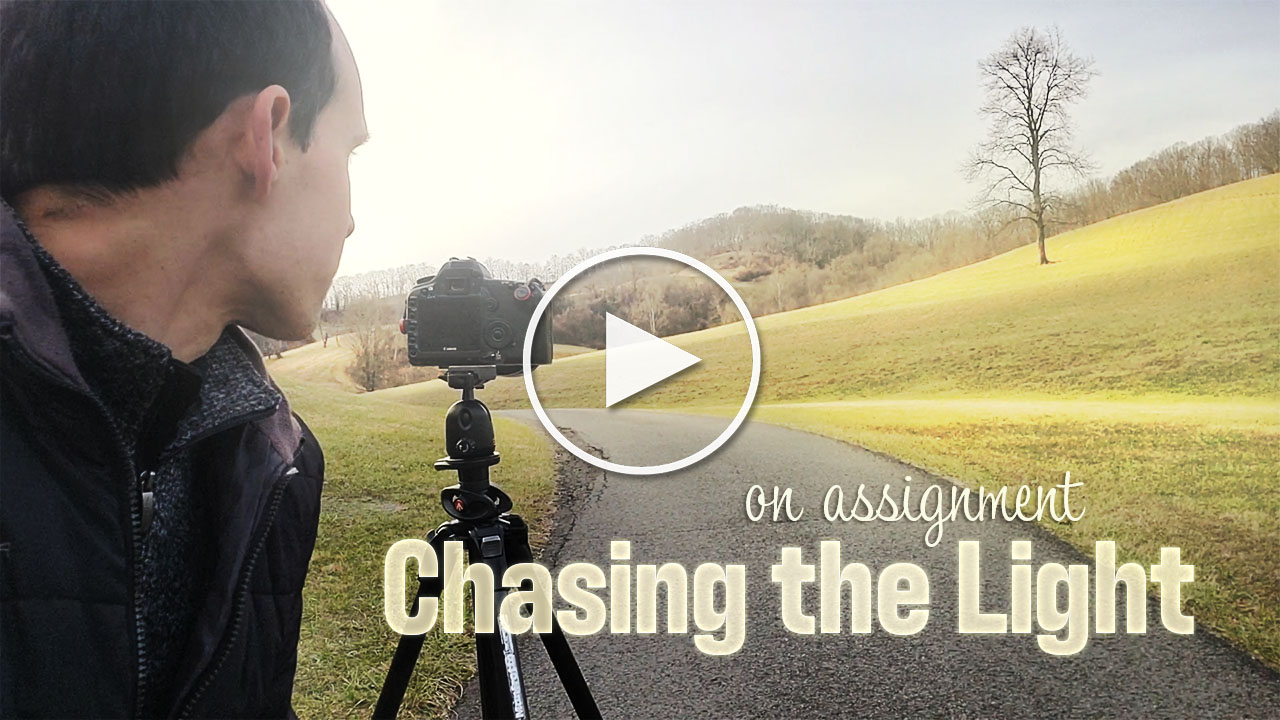
Video: Chasing the Light
Follow James' adventures as he went out in search of a brightly lit path, and what he did when things didn't turn out quite as expected.