
I can’t believe it’s been a whole year since we’ve last sorted through our photos together! Remember the interview I had with myself last year? In that video, I talked about the 7-step process for finding and choosing your best photos from the past 12 months. Making the time to assemble your very best!
Well, another 12 months have passed. It’s time to do it again! Are all the photos you’ve taken since last September properly sorted and neatly organized on your computer? I would guess “probably not”. And if you’re like me, “absolutely not!” So let’s refresh our memory on those 7 steps and use this month’s assignment, Your 12 Best Photos, to make the time to get caught up on the management of our photography portfolio!
Ok boss, let’s start sorting through some photos!
The assignment says to start in September 2024. That’s where we left off last year. But guess what?! Because I was preparing for the Lenspiration calendar earlier this year, I’ve already finished September through December 2024. This means I can start in January 2025. Of course, I have done some sorting this year. But I haven’t sorted through everything. So I’m looking forward to seeing what I will find as I dust off the past 8 months of folders!
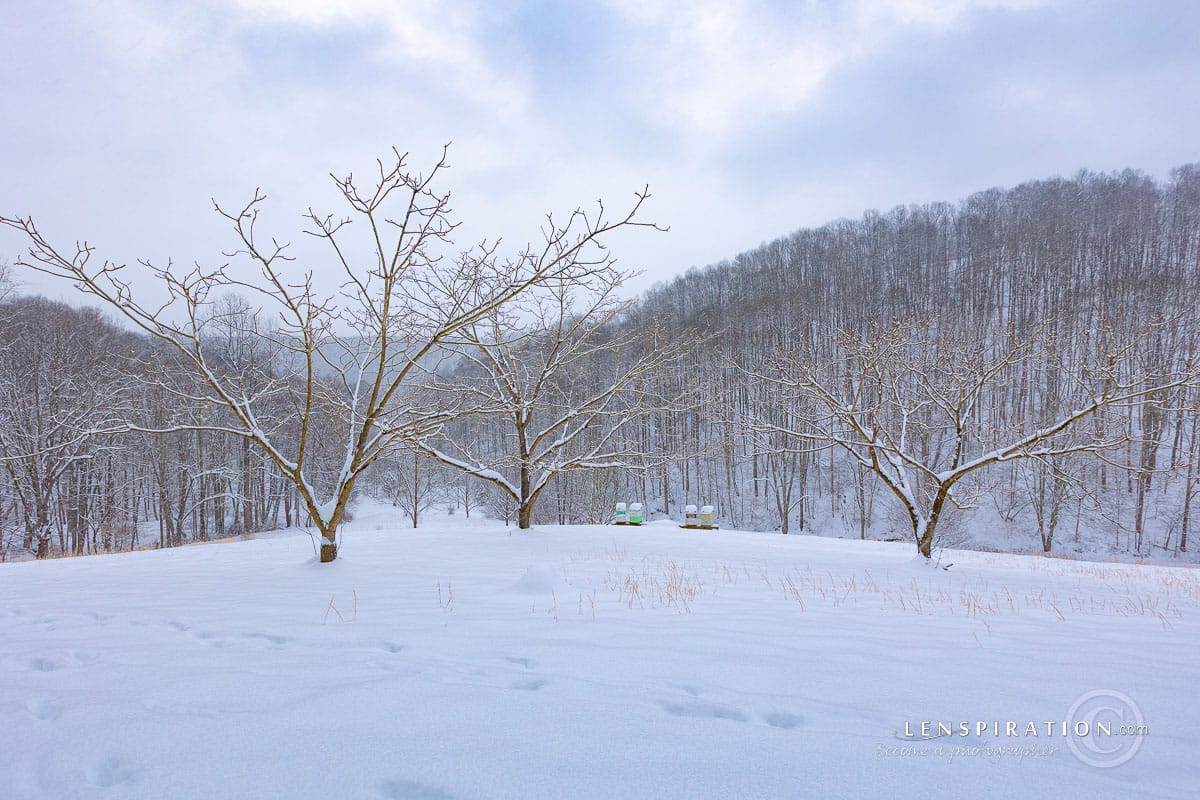
Step 1 – Organize into Appropriate Folders
Keeping my photos organized into appropriate folders is one thing that I am able to keep up with throughout the year. Every time I import photos into Lightroom, I make sure to put everything into nice, descriptive folders. If I happen to be in a major rush (like during the middle of a Photography Team), I’ll sometimes dump imported photos into a “To Distribute” folder where photos will sit temporarily. But I have a task on my calendar at the beginning of each month to distribute photos from that folder properly, so my folder structure stays well-ordered most of the time.
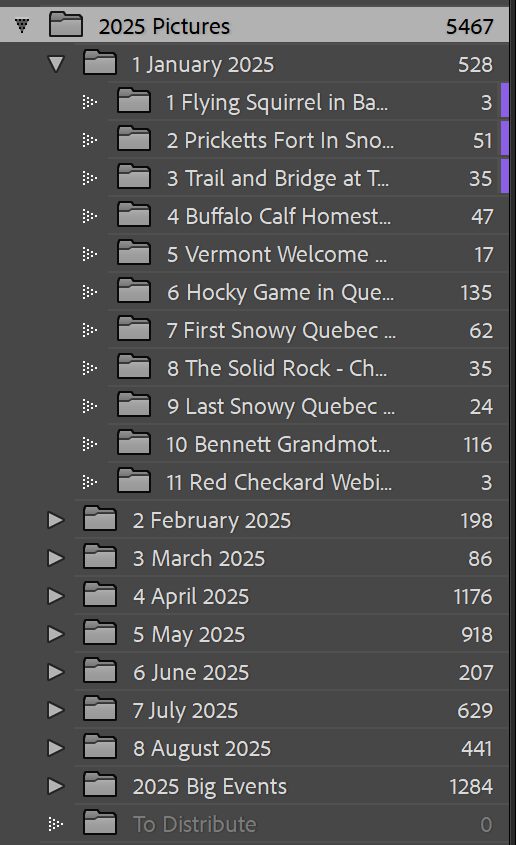
You’ll notice that some folders contain very few photos. “1 Flying Squirrel in Ba…” has only three photos. “5 Vermont Welcome…” has only 17 photos. This is because the older I get, the less time I spend on dedicated photoshoots. My shooting can be quite sporadic sometimes. Snapping a few photos of a flying squirrel we see in the backyard. Taking a stroll in the snow to stretch our legs at the Vermont Welcome Center. I still put these “photoshoots” into separate, descriptive folders, though, because it’s a whole lot easier than having to keyword individual photos lumped into one big folder.
You will also notice that some of the folders are purple labeled. That’s my way of indicating that I have already sorted through through them to find the best photos in those folders. So, only eight more folders to go in January! And that’s just January. Oh my, this could take some time . . .
Step 2 – Pick Out Photos with Potential
It was a lot of fun to go back over folders of photos I had completely forgotten about! The following photos are from the first photoshoot I went on around the homestead after the property was logged. There were now open views of the house that I’d never been able to photograph before.
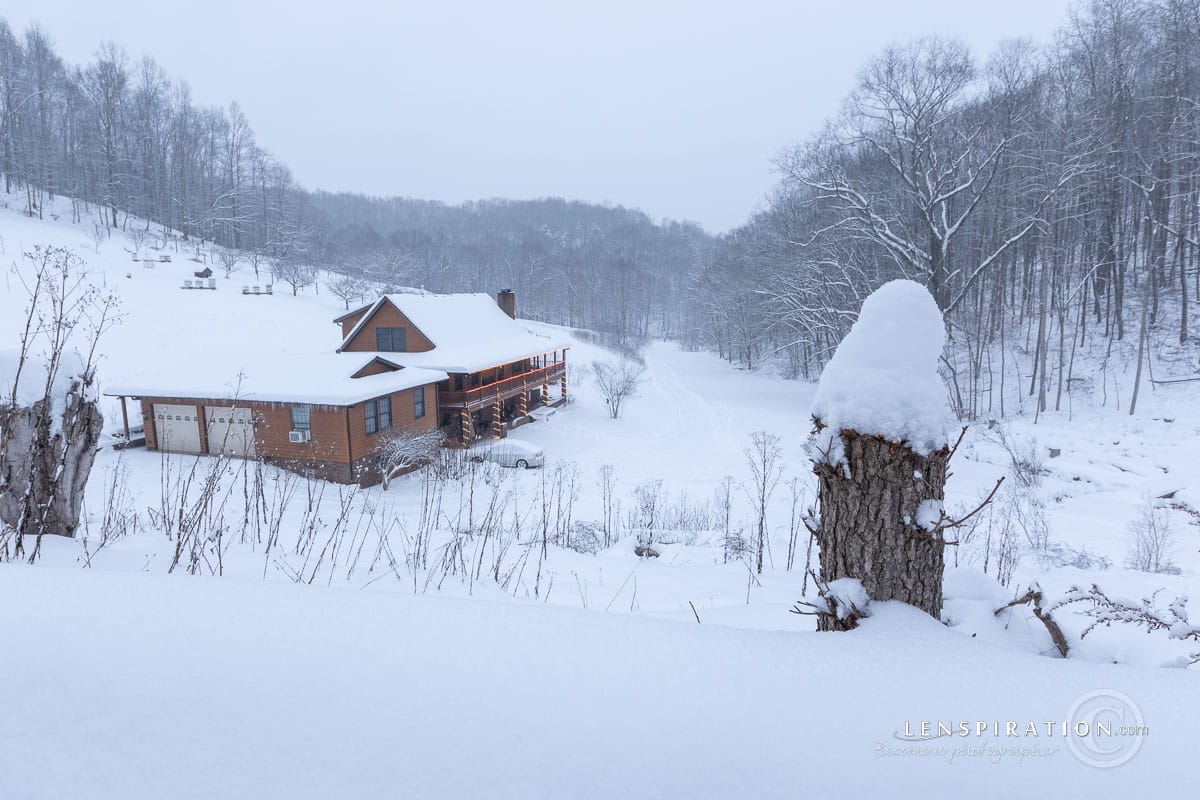
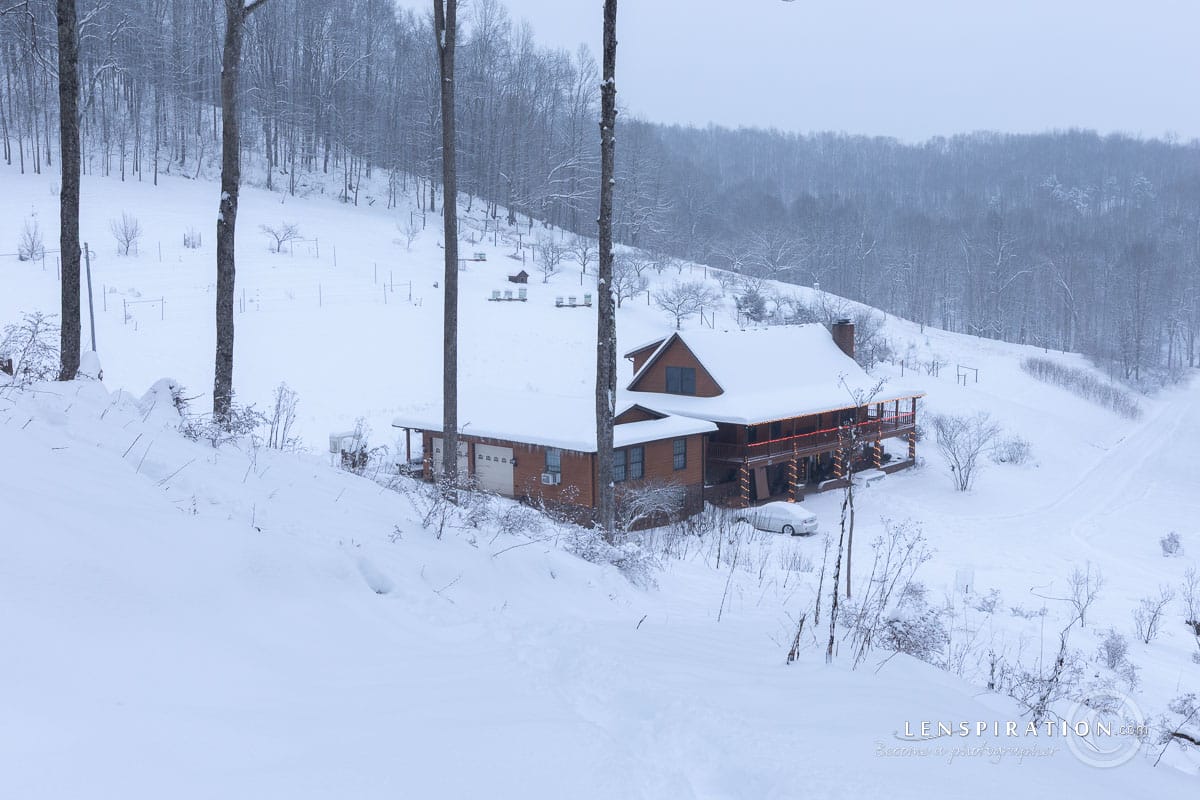
For this blog post, I only went over photos that I had taken in the month of January. Some photos were taken just for the fun of it. But many of them, like the ones in the “First Snowy Quebec Excursion” folder, were taken because I am in need of winter photos for Lenspiration calendars. Quebec in January was a good location for that!
But did I need to edit those photos right after I photographed them? No. They have just been sitting on my hard drive since the day I imported them. So, now’s the time for me to go through and sort them! Of the 62 photos in that folder, here are the 20 best photos that I picked out that have potential.
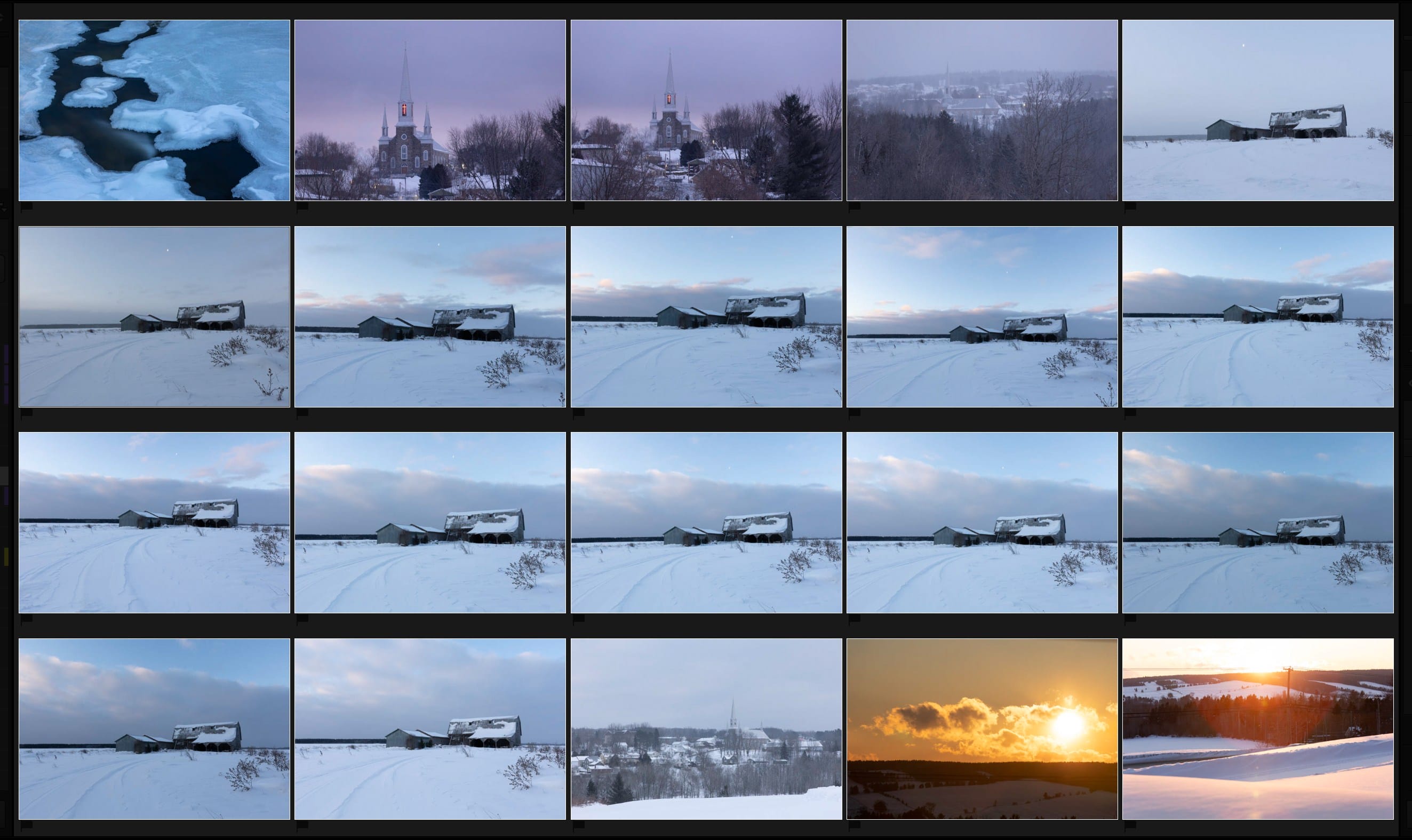
Step 3 – Lightly Edit The Possibilities
Wow, this took some time! Within the 8 folders that I sorted, I picked out about 100 photos that had potential. And even though I tried to only lightly edit them, I still spent over 2 hours editing them . . . and I’m not even finished!
Thankfully, there are tools I can use to help speed up the process, like synchronizing edits between similar photos. Especially the hockey shots. The lighting didn’t change between each photo there.


Step 4 – Narrow Down the Possibilities
Next, I was supposed to pick out the photos that I actually liked. I used flags earlier. For this step, I used star ratings. I started with 1 star. Going through all 100 photos with potential, I just 1-starred the ones I actually liked and thought would be worth sharing. When there are small groups of similar photos, which one(s) are the best?
This brought the total into the 40s.
Step 5 – Determine a Theme
Because I have not sorted all the way through to August 2025 to find my best photos, I am not able to take this step yet.
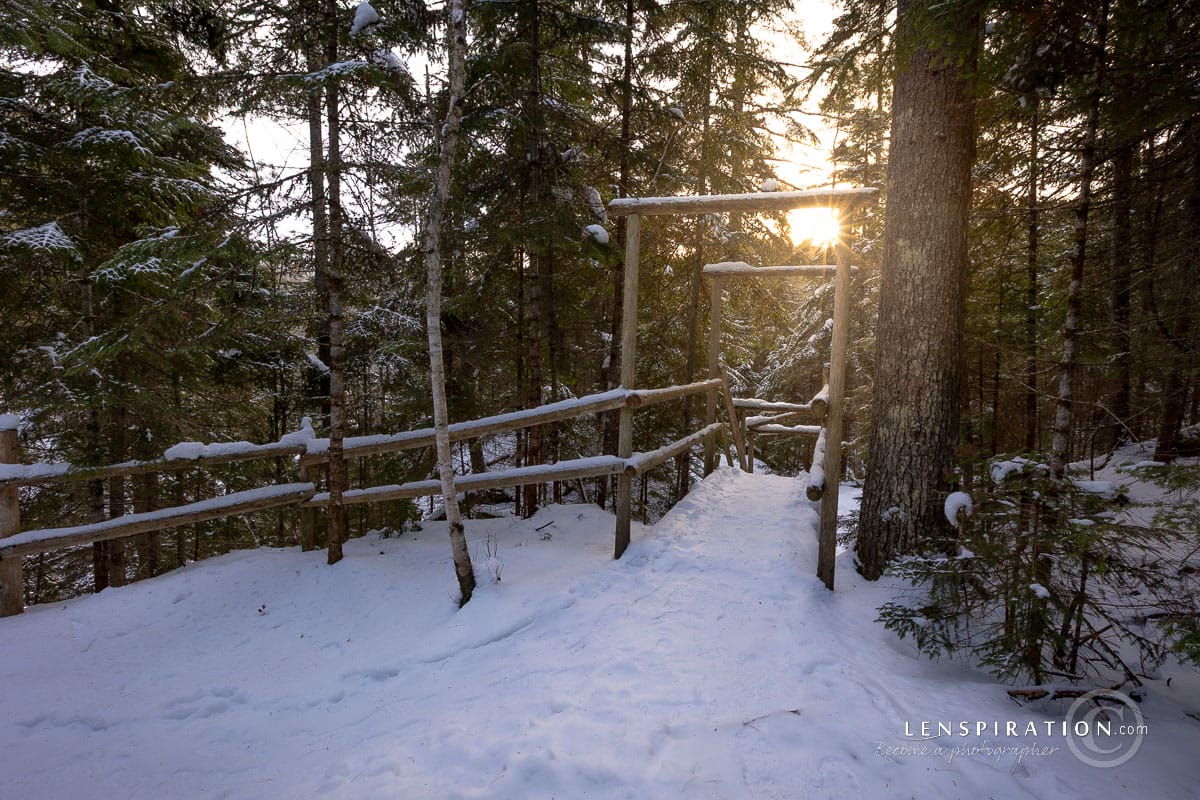
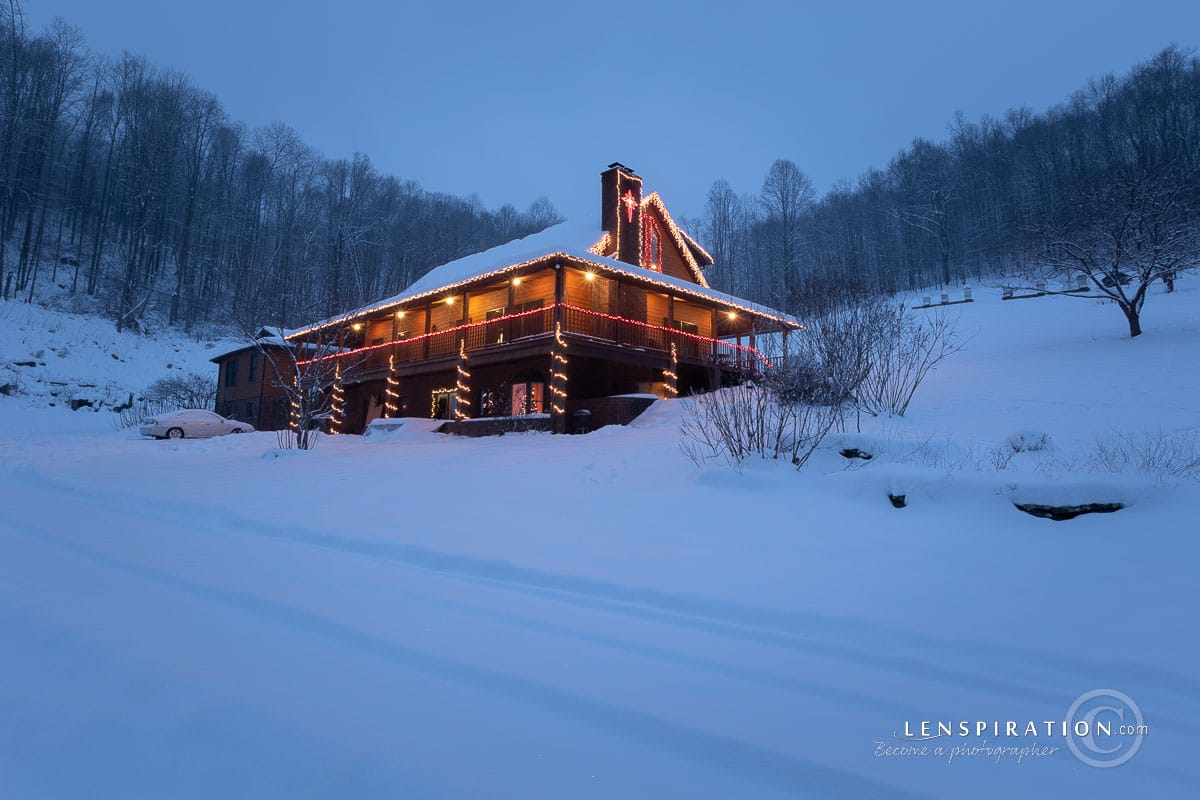
However, looking through my candidates for “best photos” from January, it looks like a theme could be “Wintery”? 🙂
Step 6 – Make the Final Cut
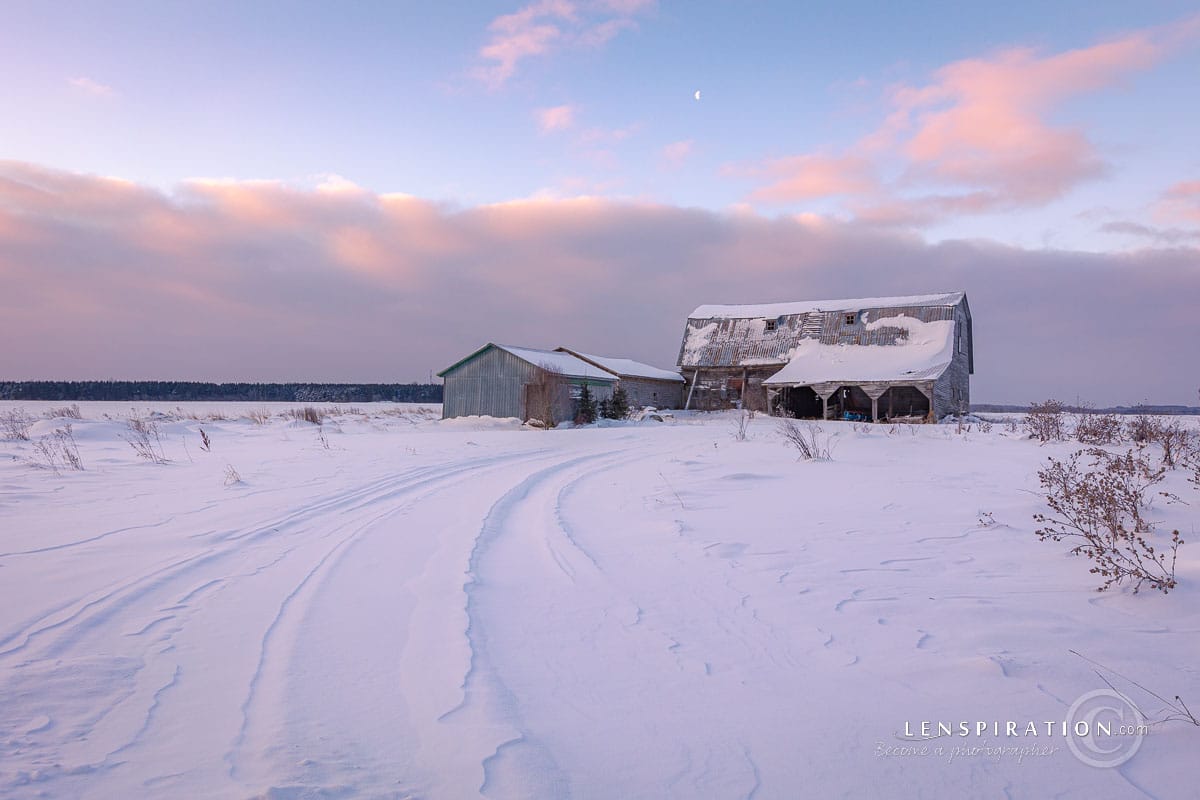
I went through the 40 candidates and just 4-starred the ones I really, really liked. That brought it down to 8. And that will be my “final cut”, for January at least.
Step 7 – Edit the Best Photos to Perfection
I could spend as much time as I want, now, on these final 8 best photos!
Some photos took me a long time to really perfect until I actually liked it. Here’s the before/after of a super difficult shot. With it being such a busy scene, I almost threw it out.

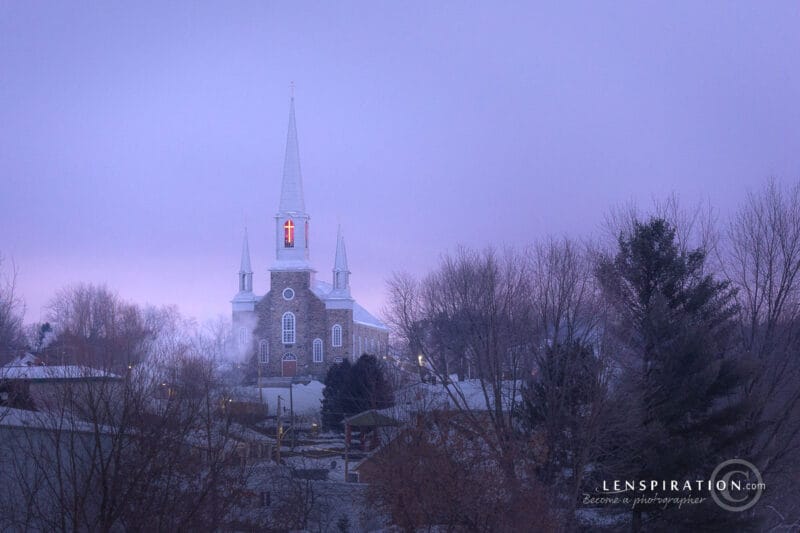
But some photos didn’t need any extra tweaking at all! Take a look at the before/after of this one. Yeah, that one was practically perfect straight from the camera.


Now It’s Your Turn
What photos have you taken in the past 12 months? Whether it’s been a ton, or just a few, it’s still a good exercise to go through them all, organize them, sort through them, and narrow them down to the very best. Renowned black-and-white landscape photographer Ansel Adams once said, “Twelve significant photographs in any one year is a good crop,” and that wisdom still holds true. With that in mind, take on the next assignment—Your 12 Best Photos—to help you identify and showcase your strongest work. Be sure to read the assignment details carefully before you begin!








0 Comments